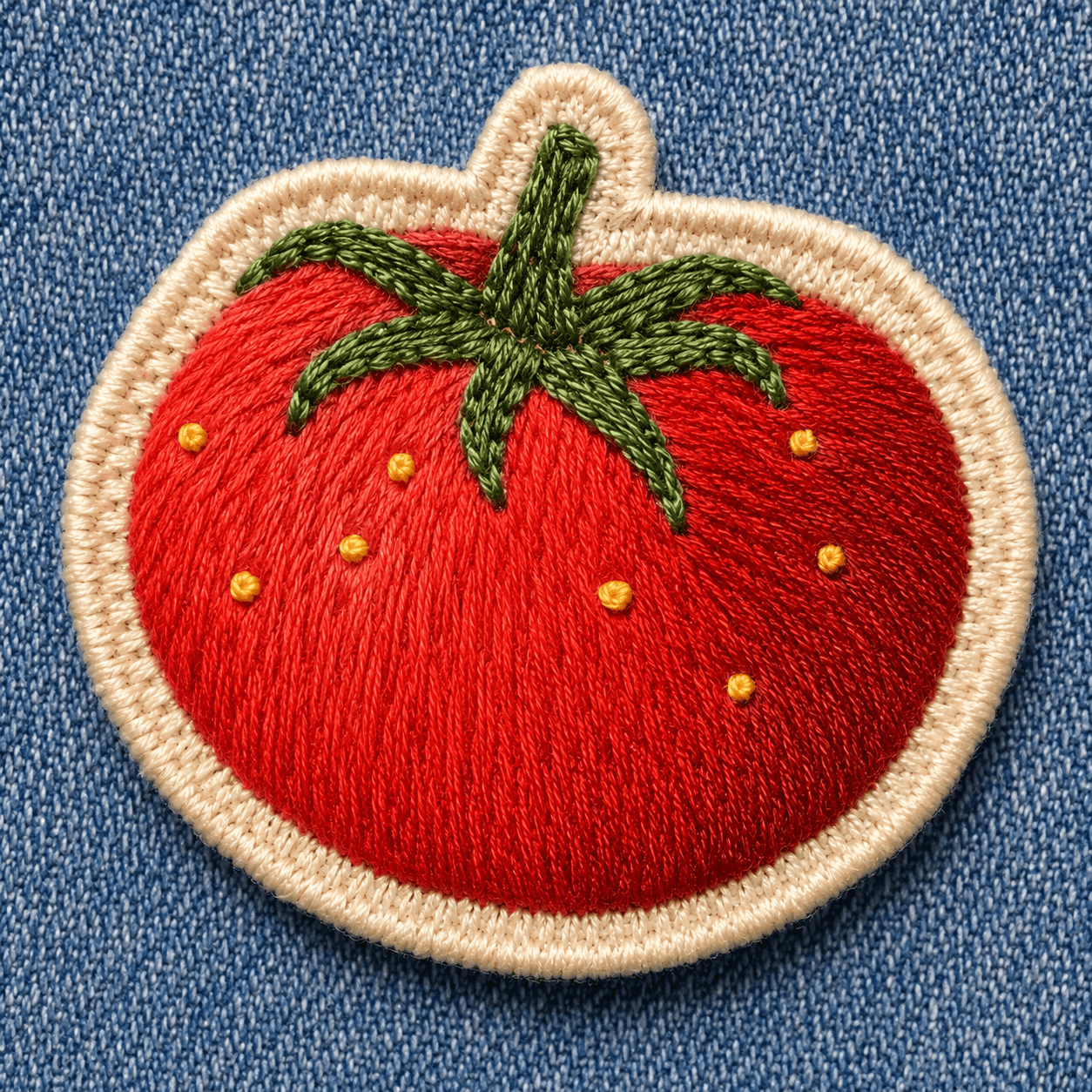
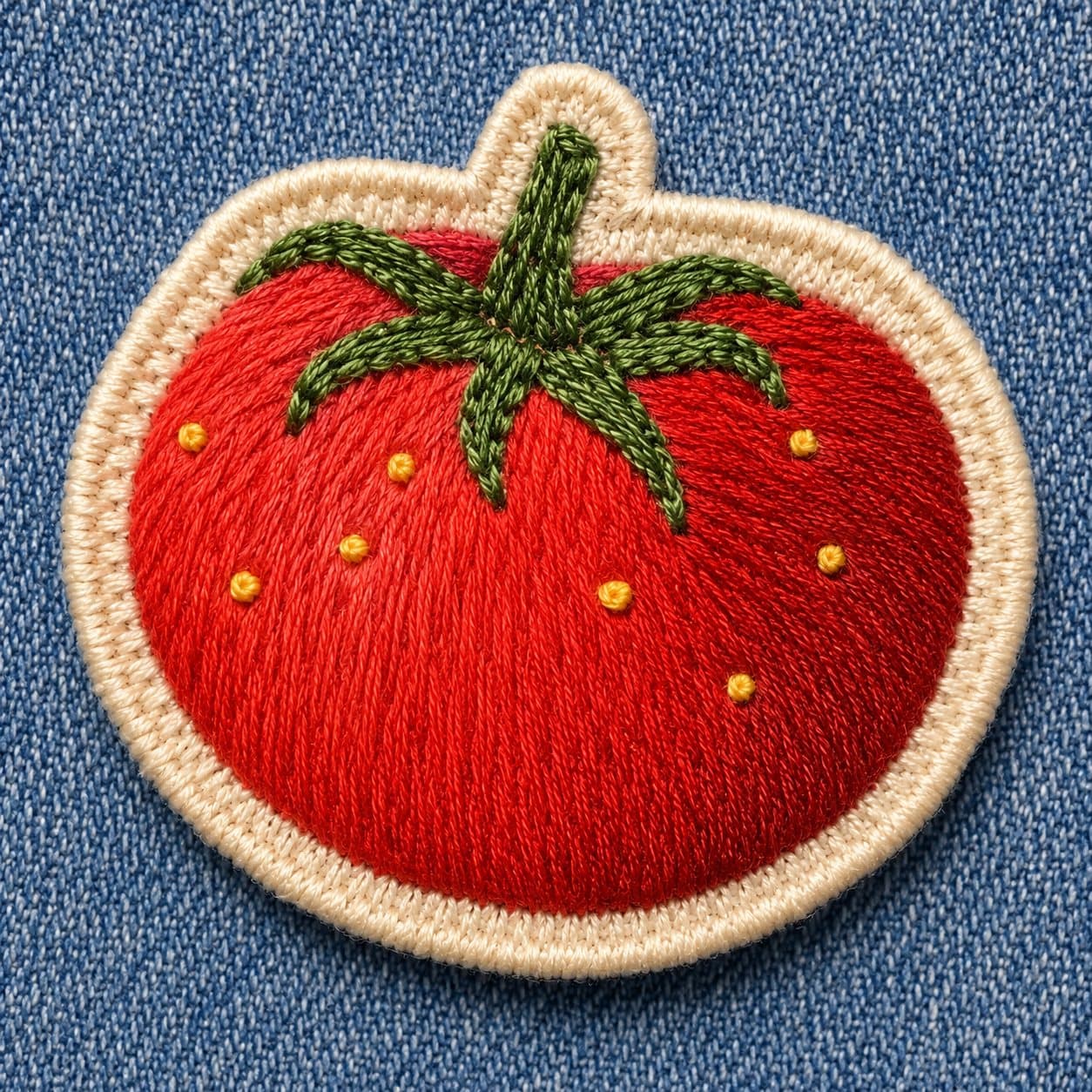
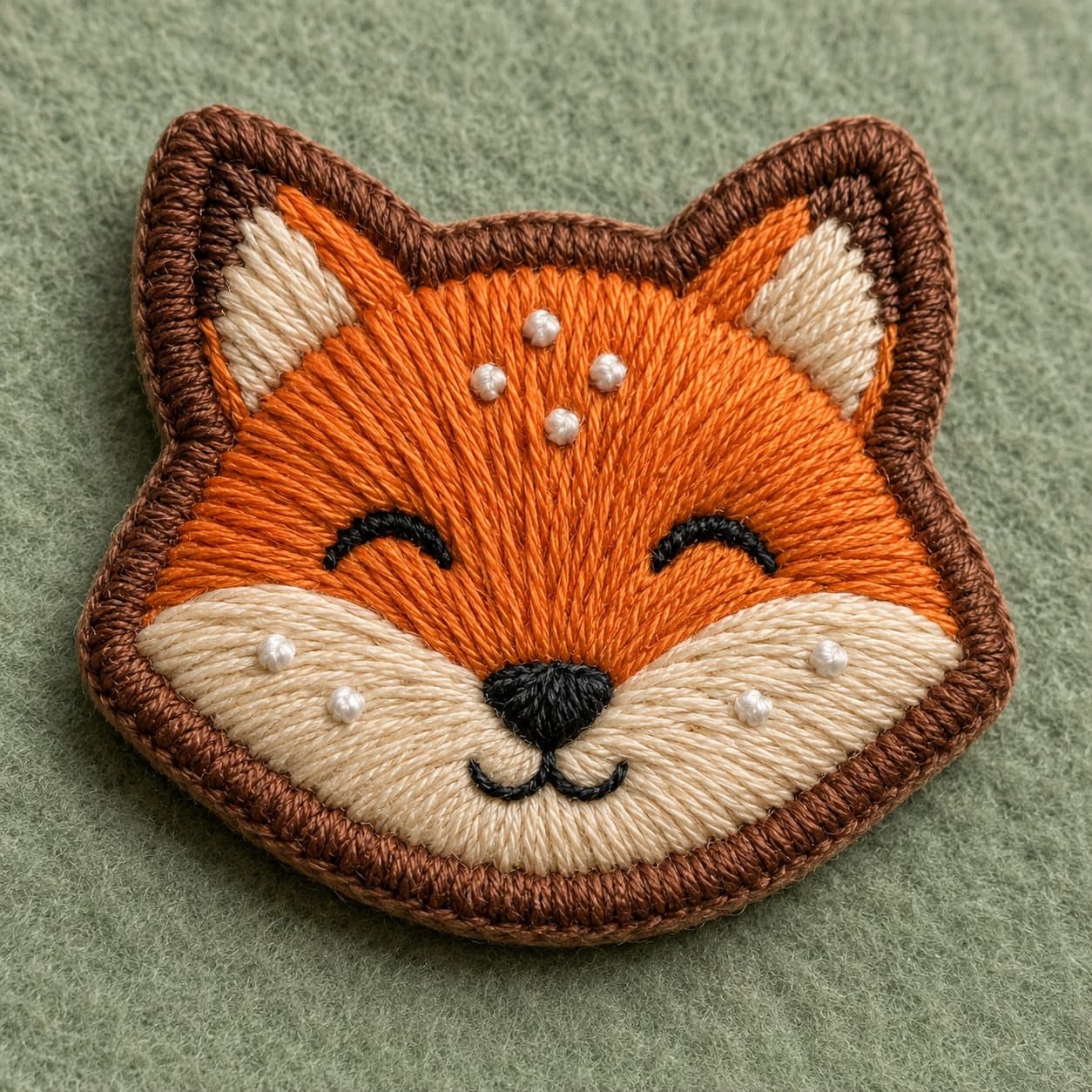
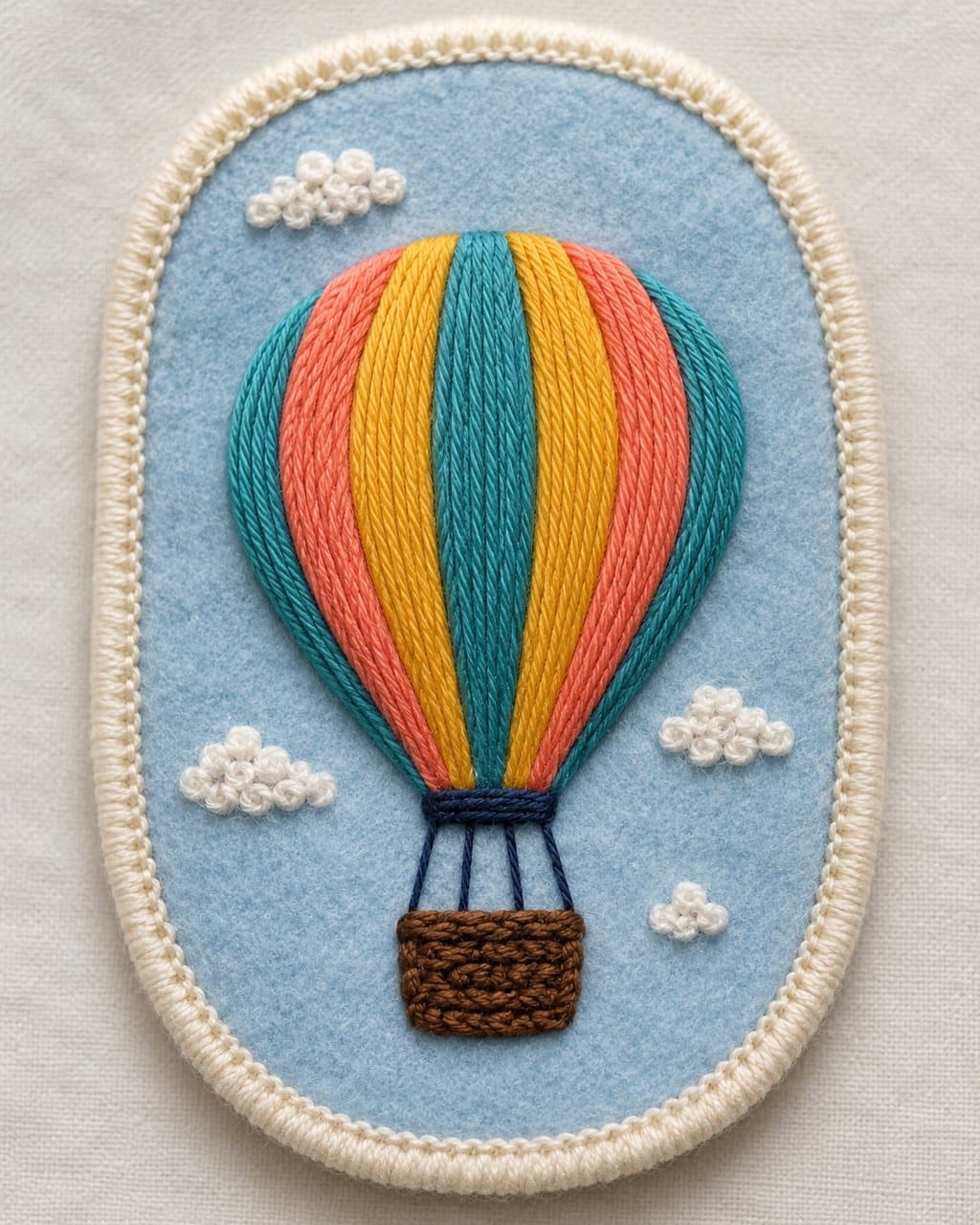
Turn the photo in the input below into a hand-embroidered patch — thick thread, stitched stitch by stitch. If there is no input photo, invent an ordinary subject (animal, plant, object) that suits a patch and embroider it.
Work rules:
1. Simplify the subject into a clean outline that suits embroidery, and render the fill thread with direction so satin-stitch grain (parallel thread rows) is visible.
2. Bring out the thread's thickness (raised shadows) and the fabric's fine weave, so it looks like a stitched real object, not a flat drawing.
3. Wrap the patch edge in a thick border stitch (merrow/satin border), and lay a fabric texture like felt or denim as the base.
4. Limit color to 6-10 embroidery-floss tones, and add one or two technique accents like French knots or backstitch.
5. Ratio square or vertical. Do not include real brand logos or trademark embroidery.
(When inventing a subject) Pick a new subject whose species, item, and color are clearly different from recently made ones.
Output: (1) one embroidered-patch image + (2) a companion read — what you stitched in which floss colors and stitches, and where the "hand-sewn" feel shows, conversationally. End with one "you could also" variation. Do not output only the image.
Output language: Write the result text and any text in the image in the language the user uses. This instruction must work identically in any language.
Fallback: If the subject is unclear, pick the single best embroidery reading and state it in one line at the top.
Self-contained: Finish within this reply. Do not direct to external sites or extra steps.
----
Input
- Photo (optional): one photo to turn into a patch. If blank, the AI invents a fitting subject.
- {{patch mood}} (optional): e.g., vintage scout patch, pastel felt, embroidery on denim. If blank, the AI decides.