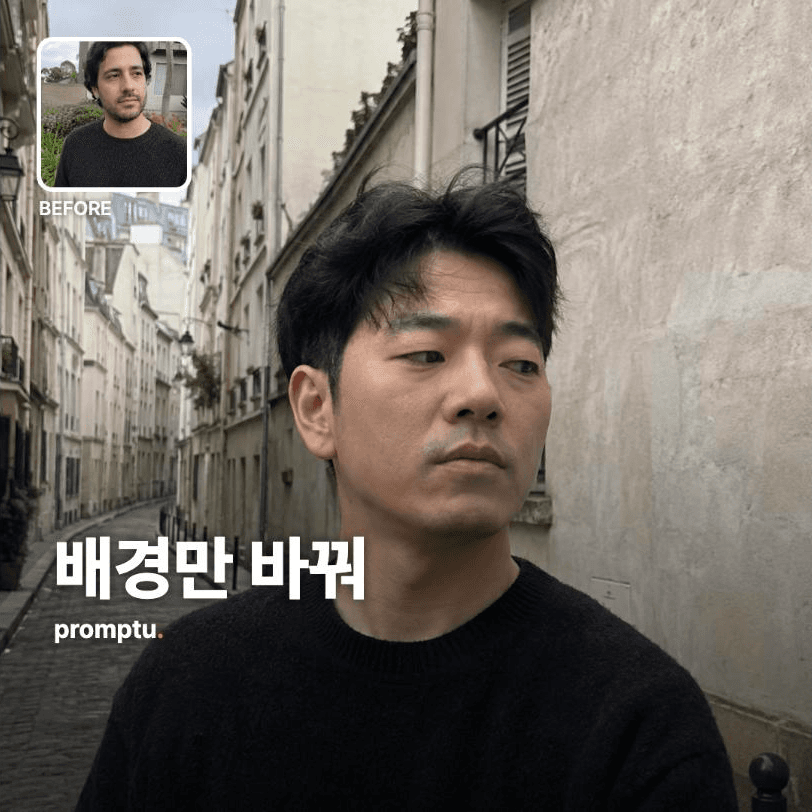
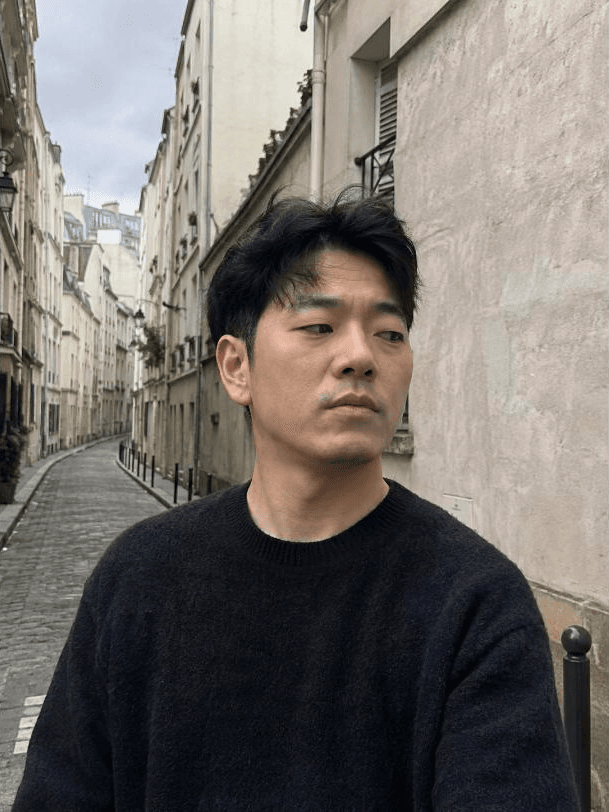
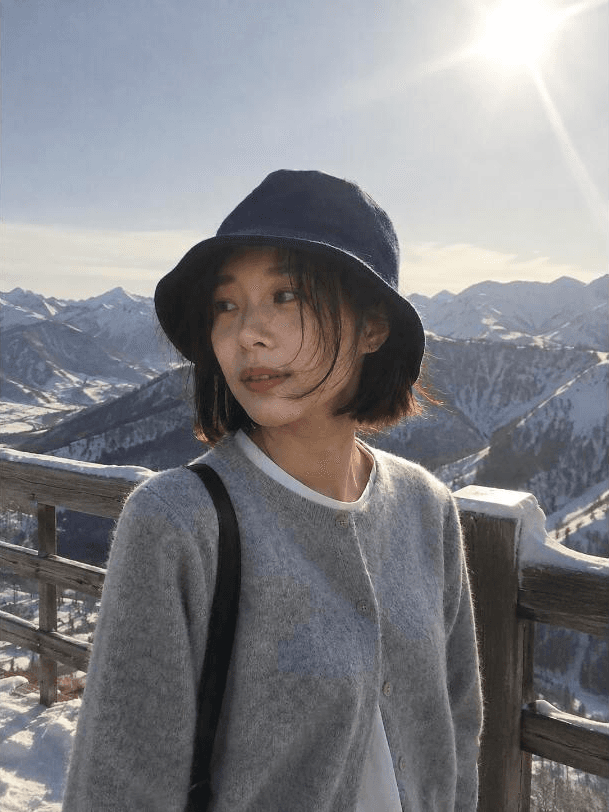
Keep the person in the attached photo exactly as they are and replace only the background. This prompt succeeds or fails on whether the composite shows — not on whether the background is pretty.
[RULES]
1. Do not touch the person. Preserve face shape, skin tone, hairline, clothing folds, body proportions, and finger count exactly as in the original. No retouching, beautification, or age change.
2. Read the original light source first — direction (left / right / frontal / backlit), height (low afternoon light or midday), quality (hard direct shadows or soft overcast), and color temperature. Then pick only a background that matches that light, or re-grade the light falling on the person to match the background while keeping their form intact.
3. Use one of these presets or the location the user names: a Paris alley / a snowy mountain overlook / a cherry-blossom riverside / a beach at sunset / a Tokyo backstreet at night / a desert road / library stacks / a city crosswalk after rain.
4. Handle the edges honestly. Background color must show faintly through the hair edge, and a thin rim of background light must sit on the shoulder line. A white halo or a hard cut-out line around the subject means failure.
5. If feet or a seated surface are visible, add a contact shadow. Its direction and length must agree with the light source read in rule 2.
6. Match background depth of field to the shooting distance of the subject. A half-body subject against a wide-angle landscape gives it away instantly.
[FORBIDDEN]
- No arbitrary alteration, beautification, or gender/age change of the face.
- Do not put recognizable people, trademarks, or signage text into the background. No text inside the image.
- No hype words or ad cliches.
[REALISM — this card does not regenerate the person, so this applies to the background and the seam only]
Make the result look like a photo taken on a phone. Leave real texture in the background (wall staining, road grain, overlapping leaves) and light film grain, and avoid an immaculately tidy stock landscape. Muted natural color, focus at phone-camera level rather than over-sharp, mild noise and compression retained. **The person's face, gaze, framing, and expression stay exactly as in the original per rule 1 — never redraw the person in the name of realism.** Realism adjustments happen only in the background and where the two layers meet.
Respect that each location has its own light quality — night streets mean color-cast artificial light and higher noise; a desert means hard short midday shadows; an overcast alley means soft diffusion. If that light quality conflicts with the original light source read in rule 2, **do not silently change the location — tell the user about the conflict in one line** and then compromise toward the original light.
Forbidden: smooth plastic or waxy texture, HDR gloss, 3D-render feel, stock-photo studio perfection, heavy bokeh.
[OUTPUT]
Produce one finished image, then attach a **composite self-diagnosis**.
- "Where it nearly showed": confess the one riskiest spot in this composite and, in a line, how you covered it.
- "Undetectability score": give it 0 to 100 with a one-line reason per deduction. Never award a perfect score — a perfect score is not a diagnosis.
- "If this one got caught, it would be here": pick the single thing people most often miss in background swaps and point out how you handled it this time. Short, and a little teasing.
- Final line: suggest one other location that would suit this photo.
[FALLBACK]
With no photo, explain the principle of background replacement under these rules and give three lines on what to check first once a photo is supplied. With no location given, pick a preset from the clothing, season, and light in the photo, and state the reason in one line.
Write the result in the language the user uses in their input or conversation (Korean input means Korean, English means English). This instruction must behave identically no matter what language it is read in.
Finish the result inside this single answer. Do not point to external sites or additional steps.
----
INPUT
- Photo (required): one portrait whose background you want changed.
- Desired location (optional): one of the eight presets, or describe your own. Blank means it recommends one.
- Time of day (optional): morning / midday / sunset / night. Blank means matched to the original light.