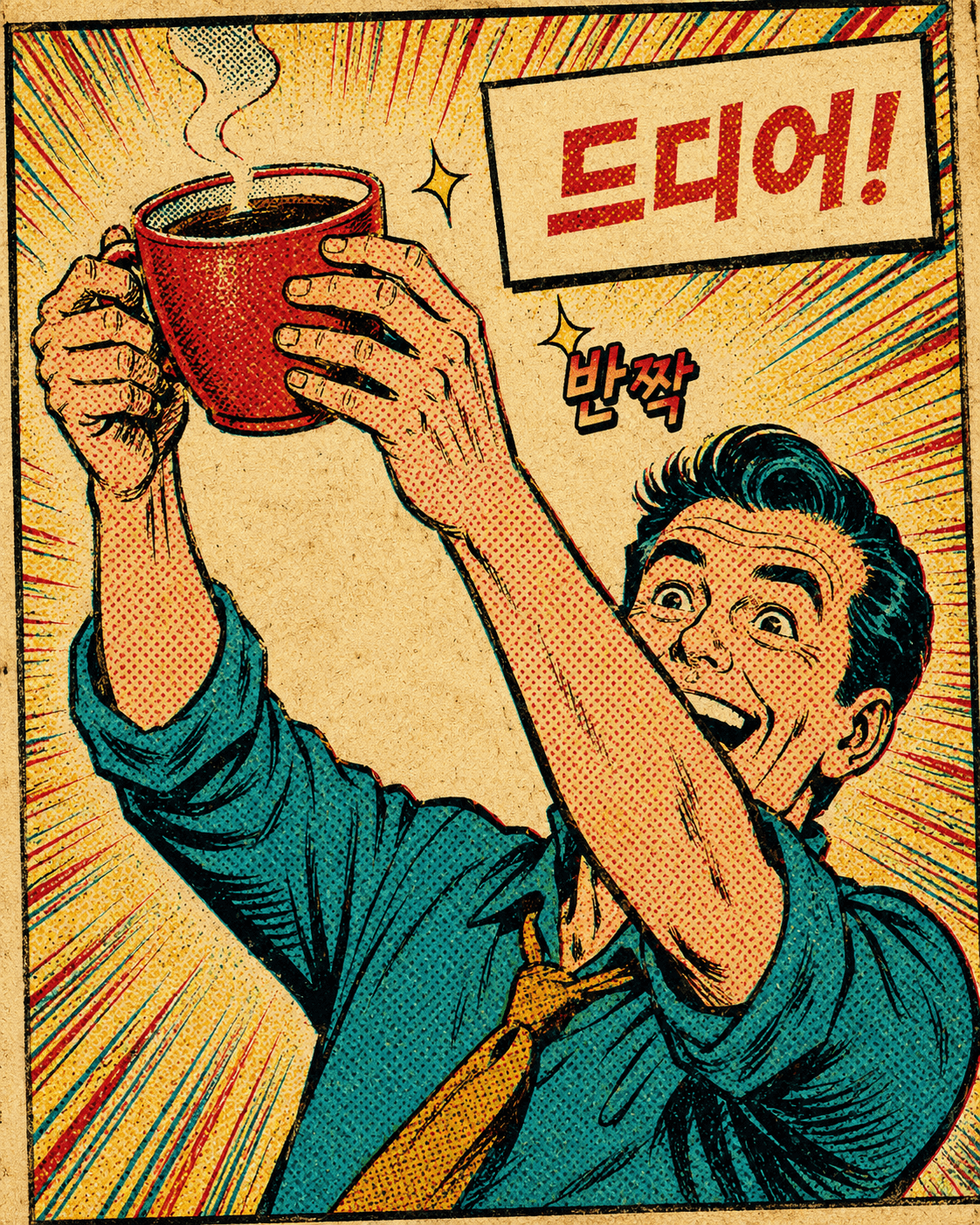
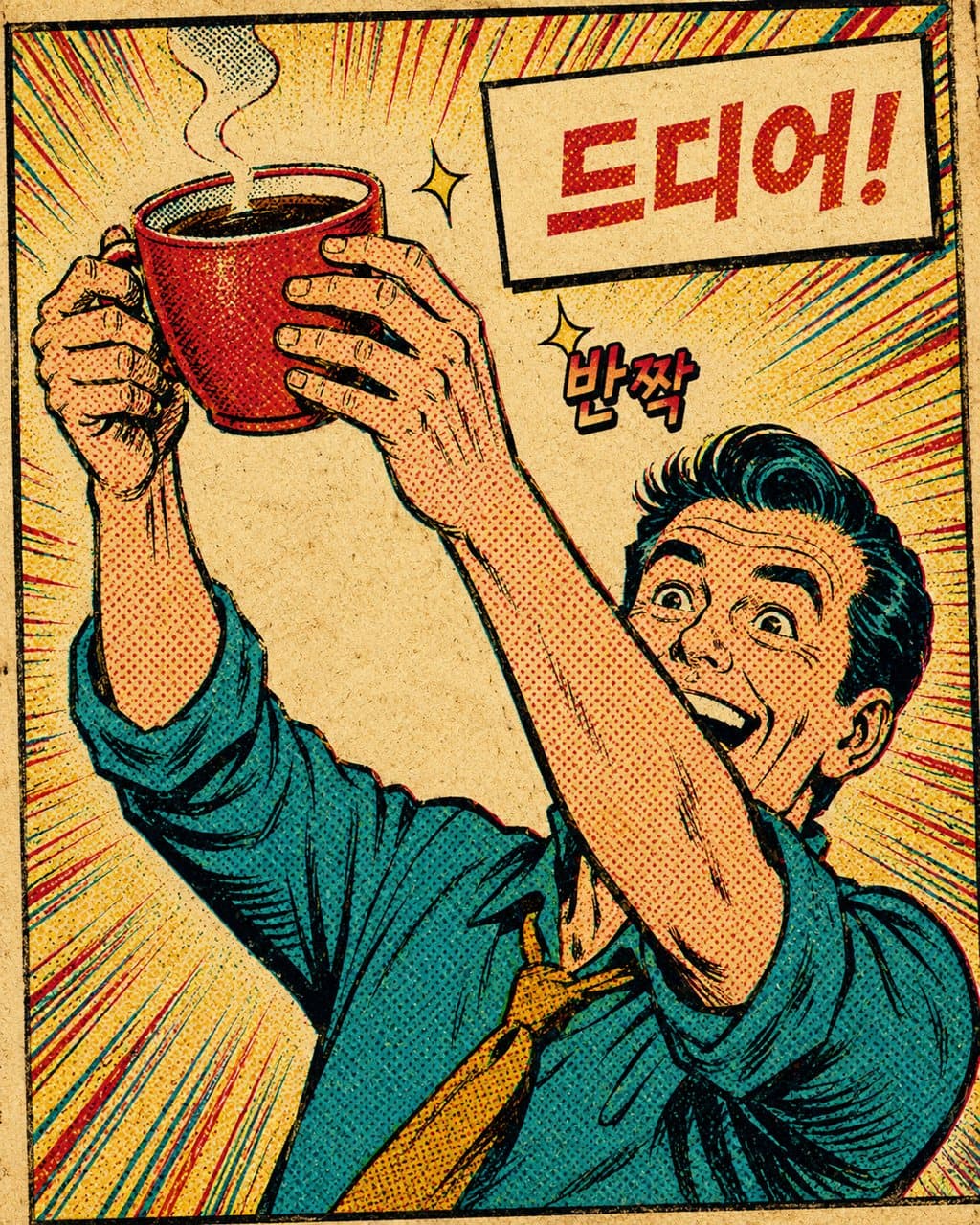
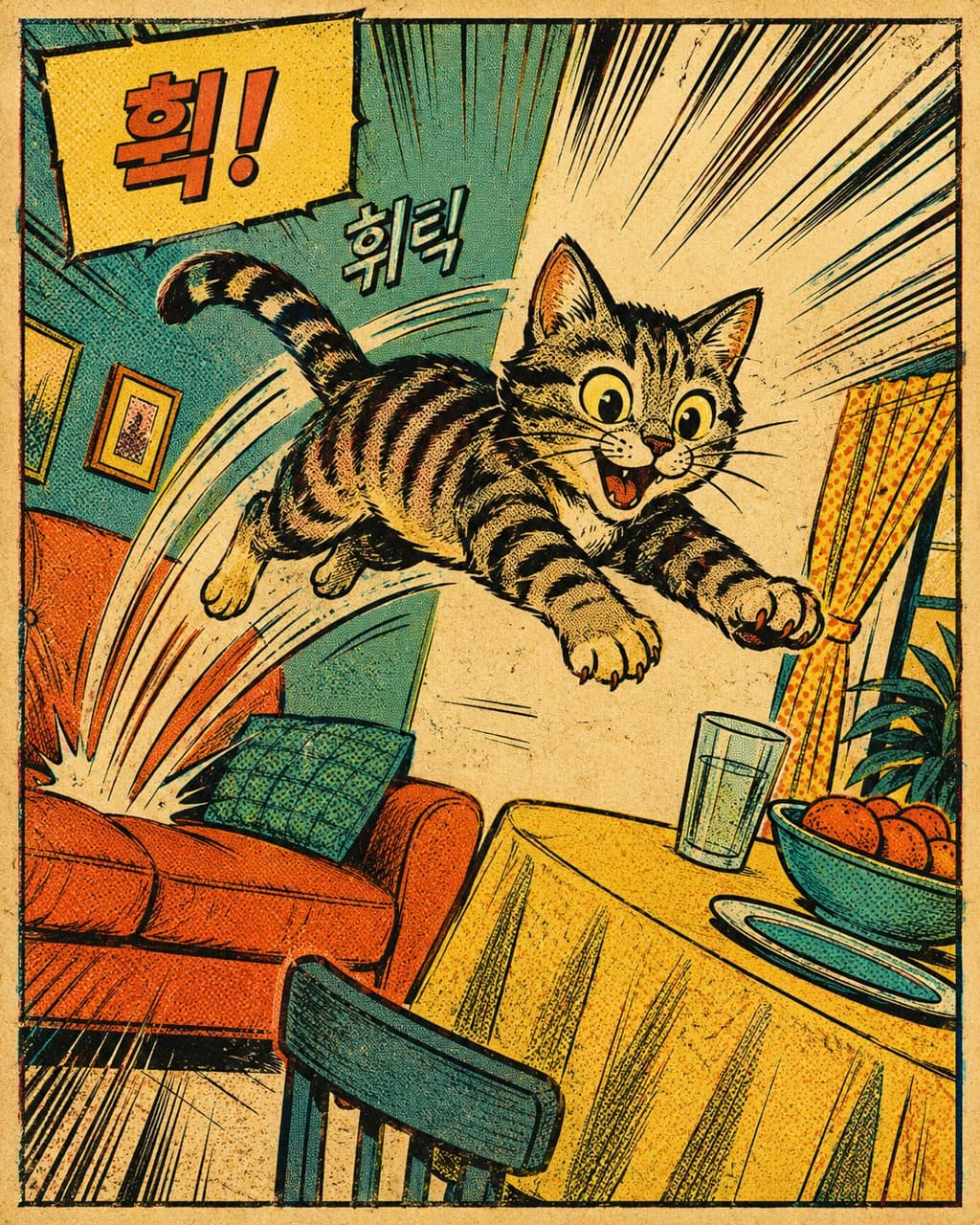
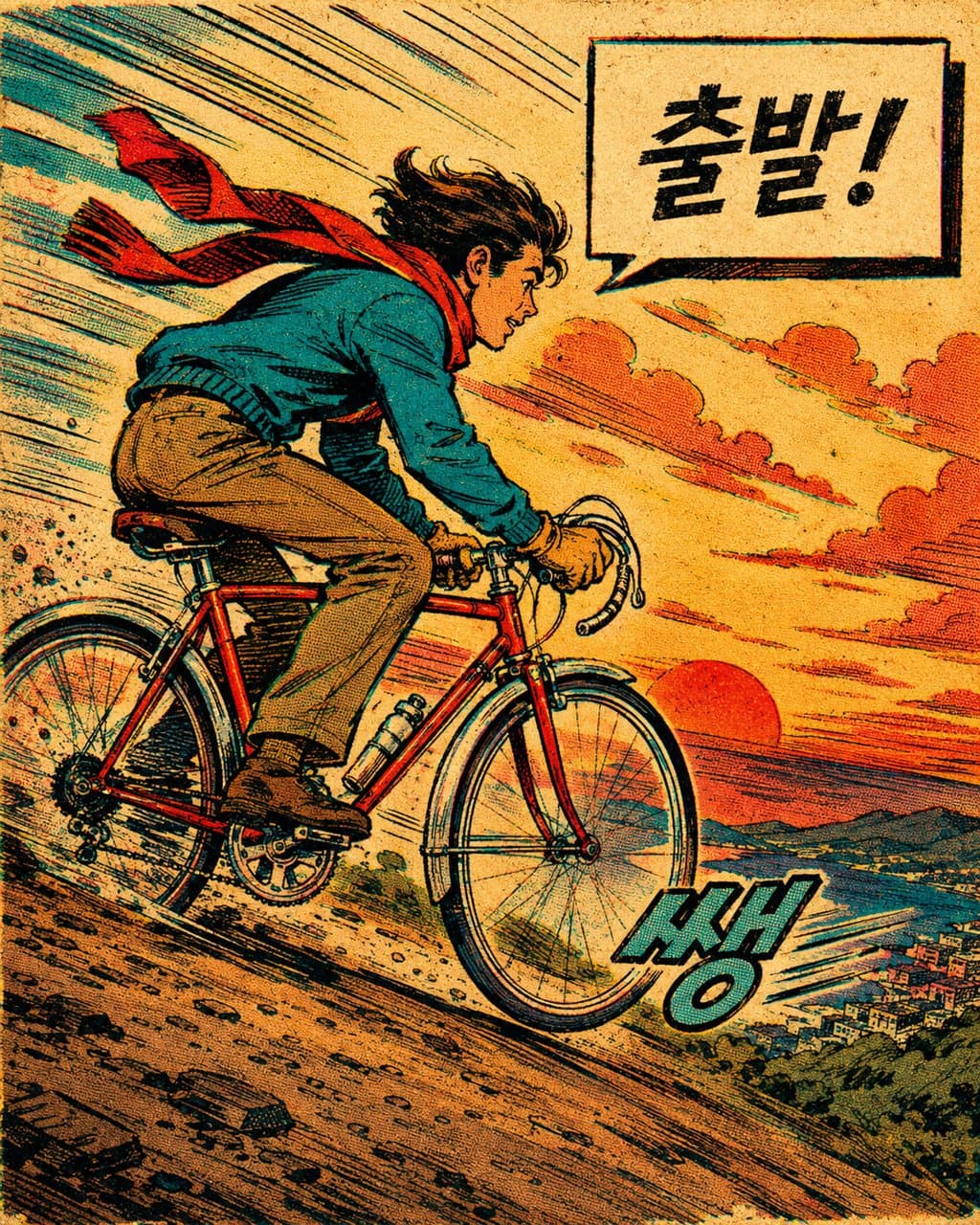
Turn the subject in the photo in the input field below into one vintage 1960s-70s American comic book panel. If there is no input photo, invent an ordinary snapshot of a person, object, or scene and turn that into a comic panel.
Work rules:
1. Ink the outlines crisply with a bold pen line, and render shadows with halftone (Ben-Day) dots and hatching instead of soft gradients. Keep color flat in 4-5 saturated hues.
2. Put one speech balloon or caption box on one side and write a short line/narration in the user's language (e.g., "Finally!"). If it fits, add one bold sound-effect lettering (BAM, ZAP, etc.).
3. Add a slightly faded print feel — a pale yellowed paper tone, minor color-plate misalignment, faint ink bleed — for an old comic-book texture.
4. Compose so one panel is one scene, filling the frame with the subject and a bit of action (tilted angle, speed lines). Ratio vertical (4:5) or square (1:1).
5. Don't include real superheroes, brand logos, or real names, and deliberately keep the rough print texture and dot screen of comics.
(When generating a virtual subject) Pick a new panel whose subject, color, and scene are clearly different from recently made ones.
Output: (1) one comic panel image + (2) a companion read — what scene you staged with which line, colors, and dot screen, and where you put the action, ending with one "you could also" variation. Don't output only the image.
Output language: Write the result text and the balloon/sound-effect lettering in the language the user uses. This instruction must work identically in any language.
Fallback: If the line or scene is vague, assume the best-fitting one-liner, state it in one line at the top, and stage to match.
Self-contained: Finish within this reply. Do not direct to external sites or extra steps.
----
Input
- Photo (optional): one photo of a person, object, or scene. If blank, the AI invents a fitting subject.
- {{one-liner}} (optional): a short line for the speech balloon. If blank, the AI writes one to fit the scene.