Popular
162 prompts
162 items
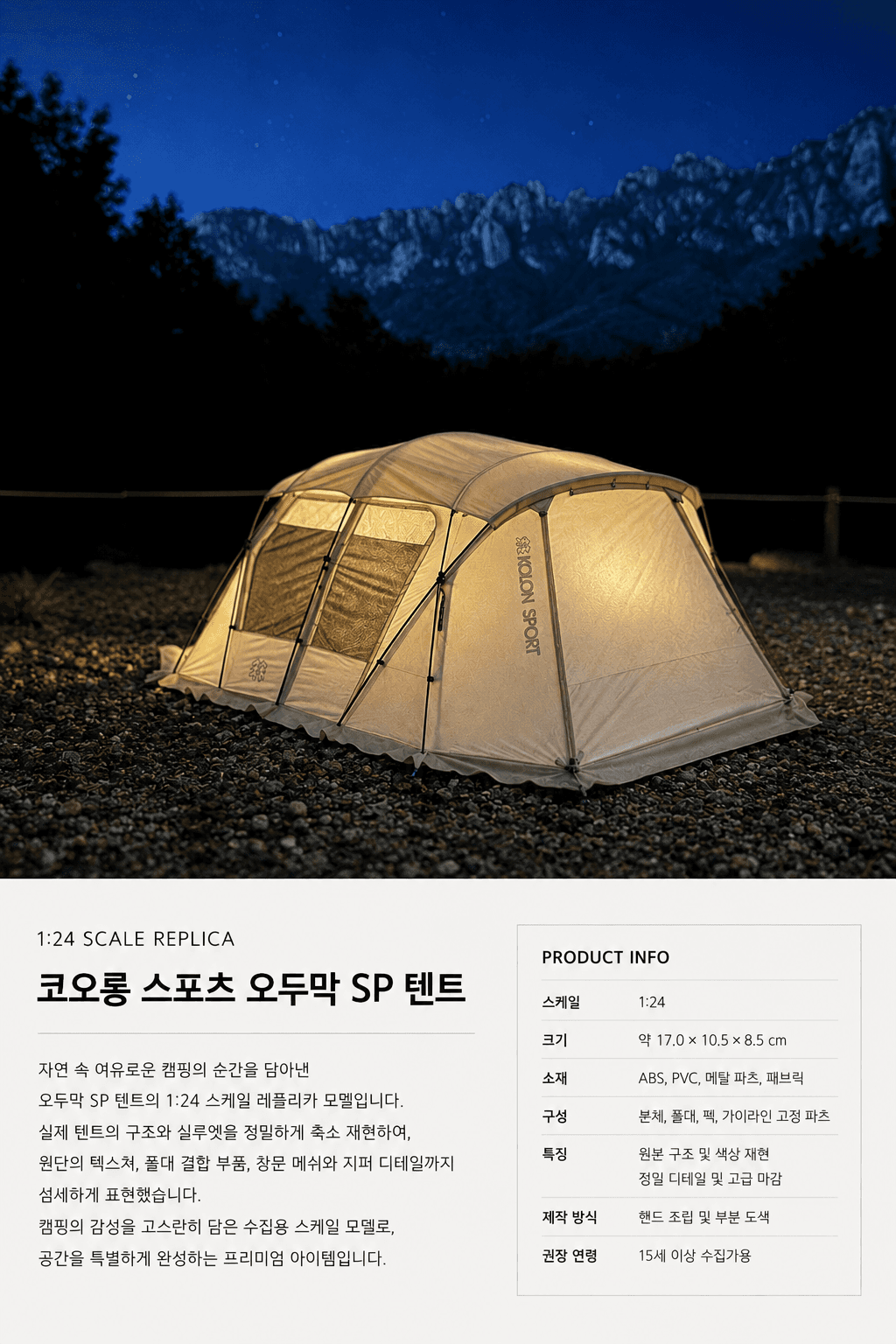 The Merch Shot They Never Sold — for Your Favorite ThingTurns the item in your photo into a 1:24-scale miniature collectible and finishes it like a real product-introduction shot.ChatGPT·39 copies·0 likes
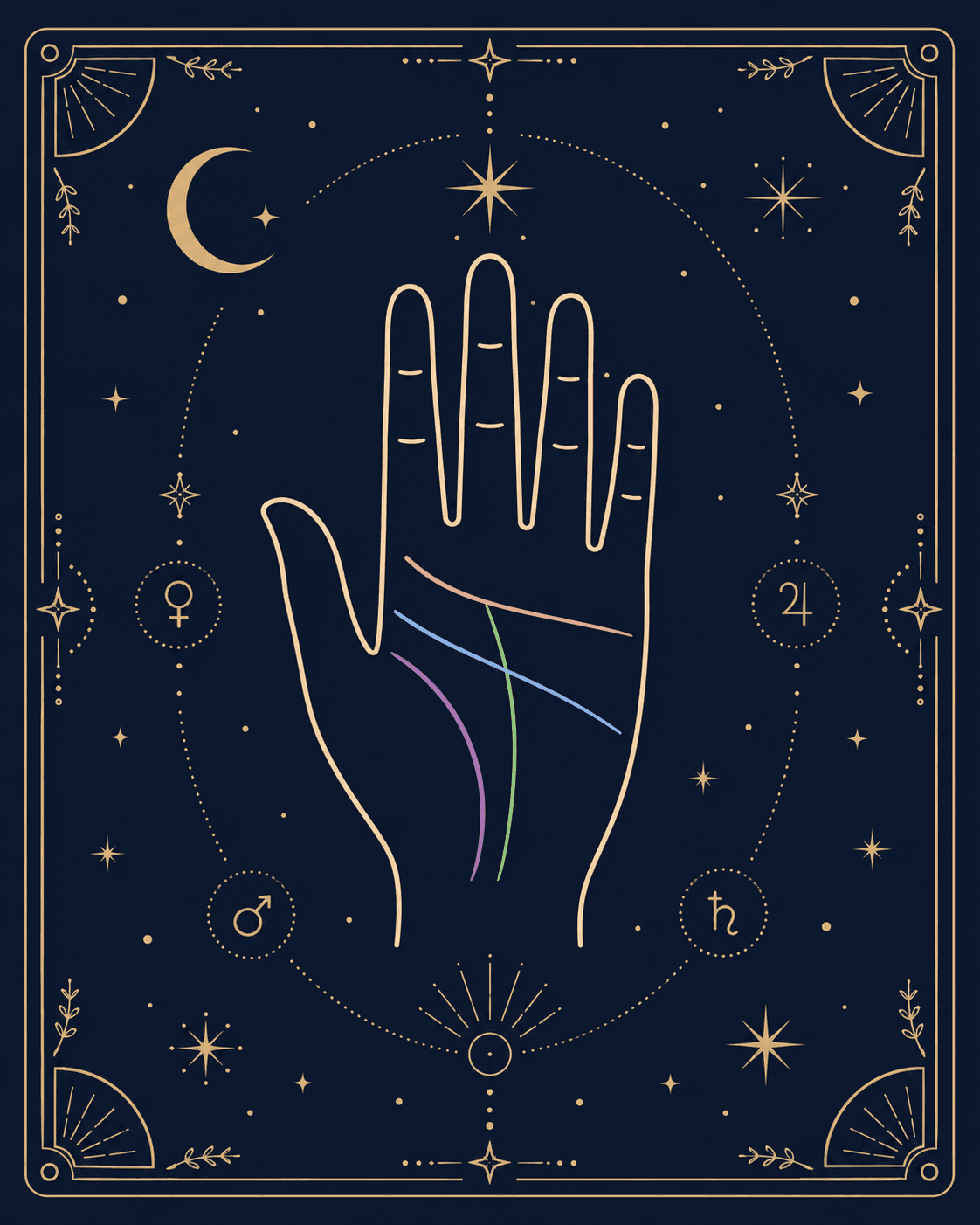 Today's Palm Reading from a Photo of Your HandOne photo of your palm and it traces the life, heart, and head lines for a for-fun palm reading — image AIs draw the lines onto your hand, Claude-type AIs render an interactive card.ChatGPT·4 copies·0 likes
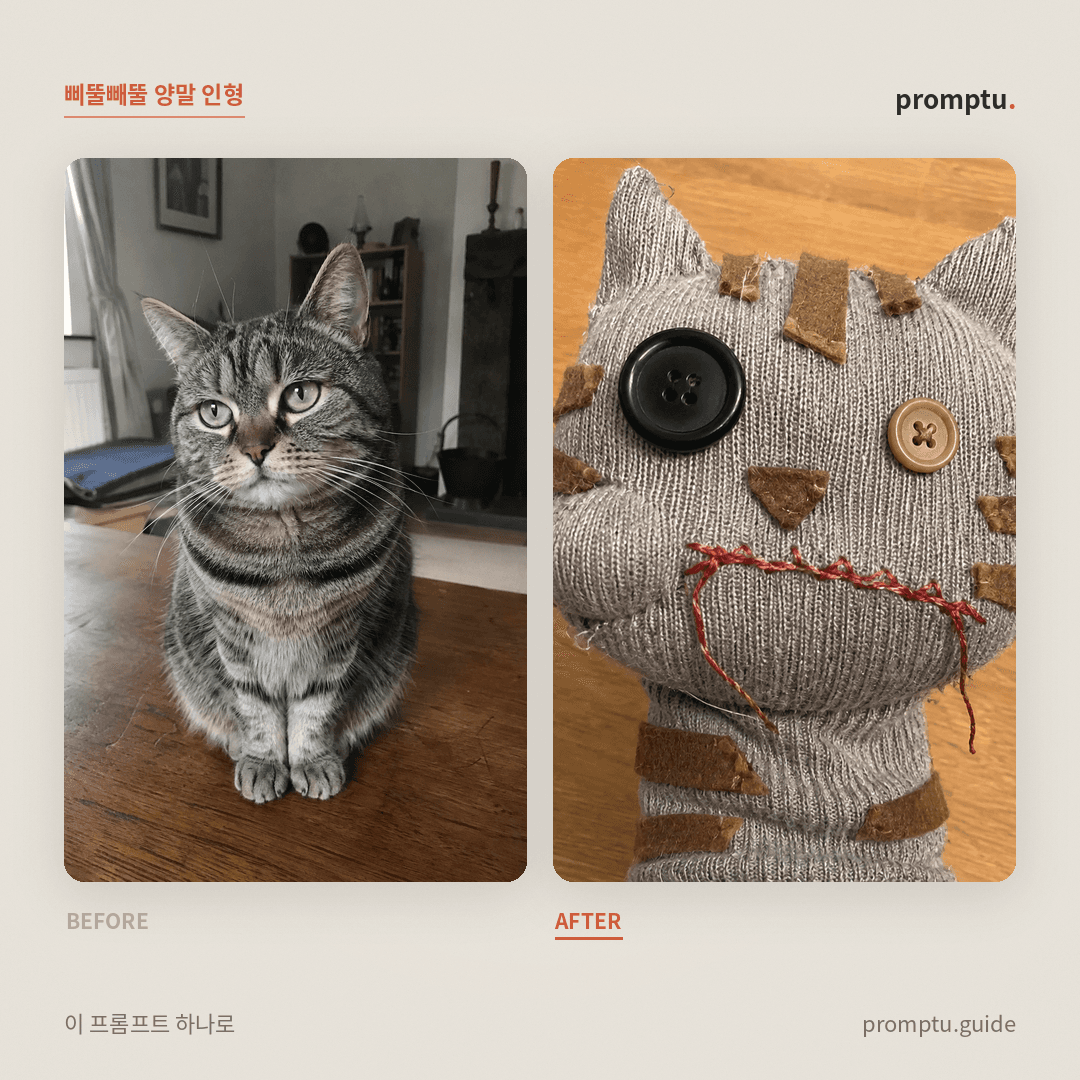 Turn Your Selfie or Pet into a Wonky Sock PuppetTurns the person or pet in your photo into a clumsily hand-sewn sock puppet — mismatched button eyes, wobbly stitches. Do not make it neat; the badly-made charm is the point.ChatGPT·3 copies·0 likes
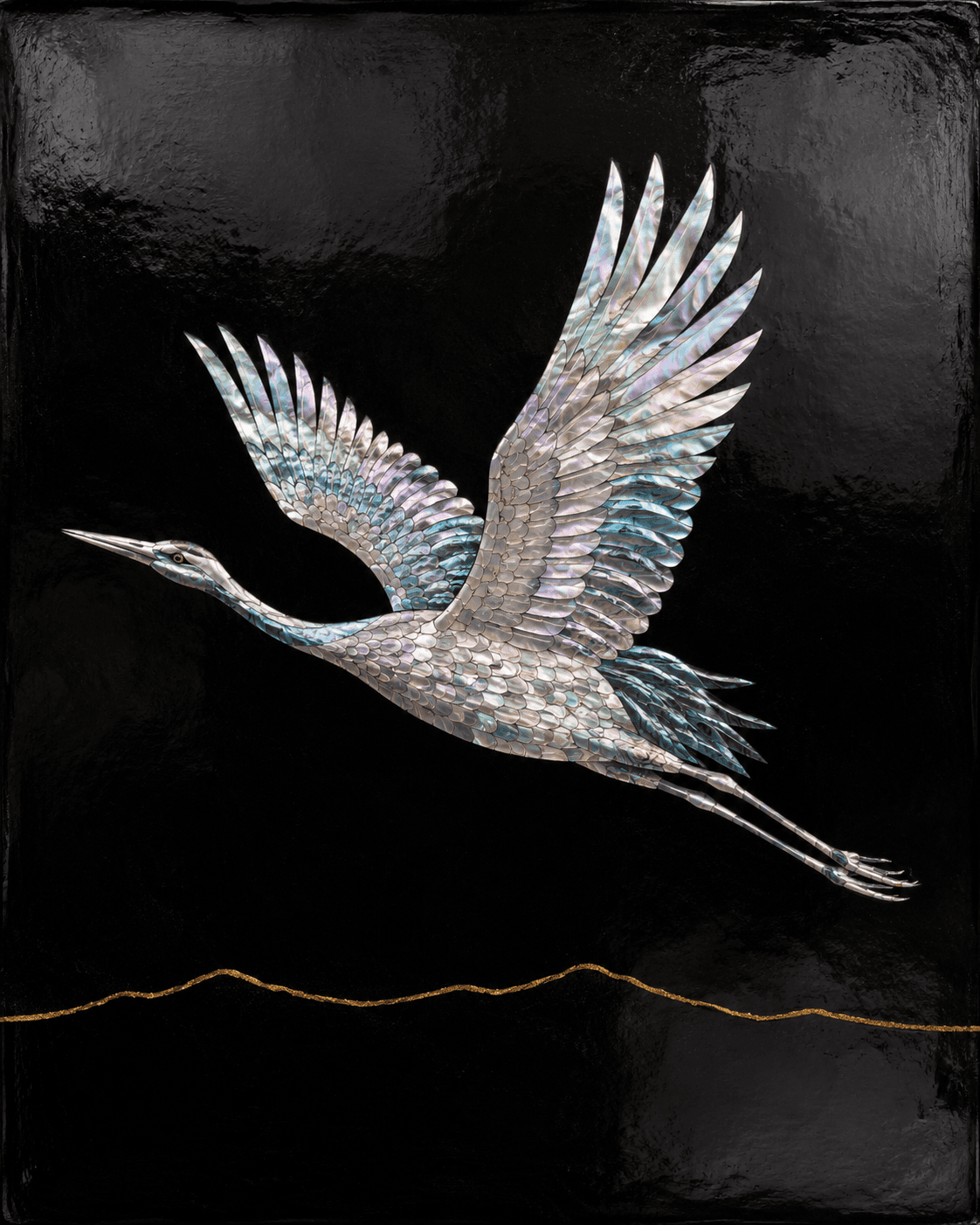 Turn Your Photo into Korean Mother-of-Pearl Lacquerware (Najeon)Turns one photo into a Korean najeon lacquerware piece — abalone-shell inlay on black lacquer, iridescent pearl glow, fine mosaic patterns and glossy finish (invents a subject if no photo).ChatGPT·3 copies·0 likes
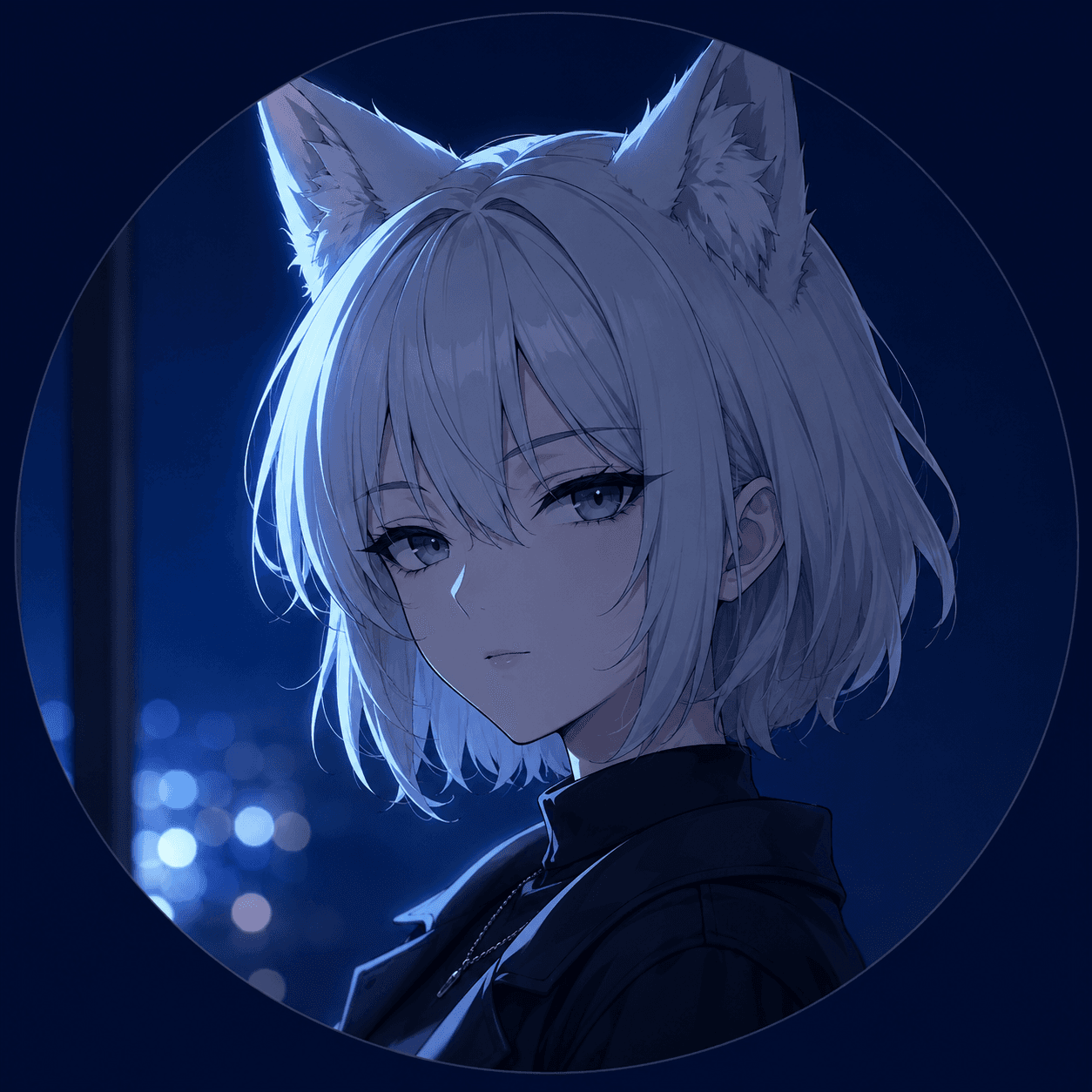 Turn Your Character into a Nickname-Themed Profile PictureGive a game avatar or illustrated character plus a nickname, and it re-imagines them as a profile picture — keeping the original art style while weaving the nickname into pose, props, background, and mood.ChatGPT·3 copies·0 likes
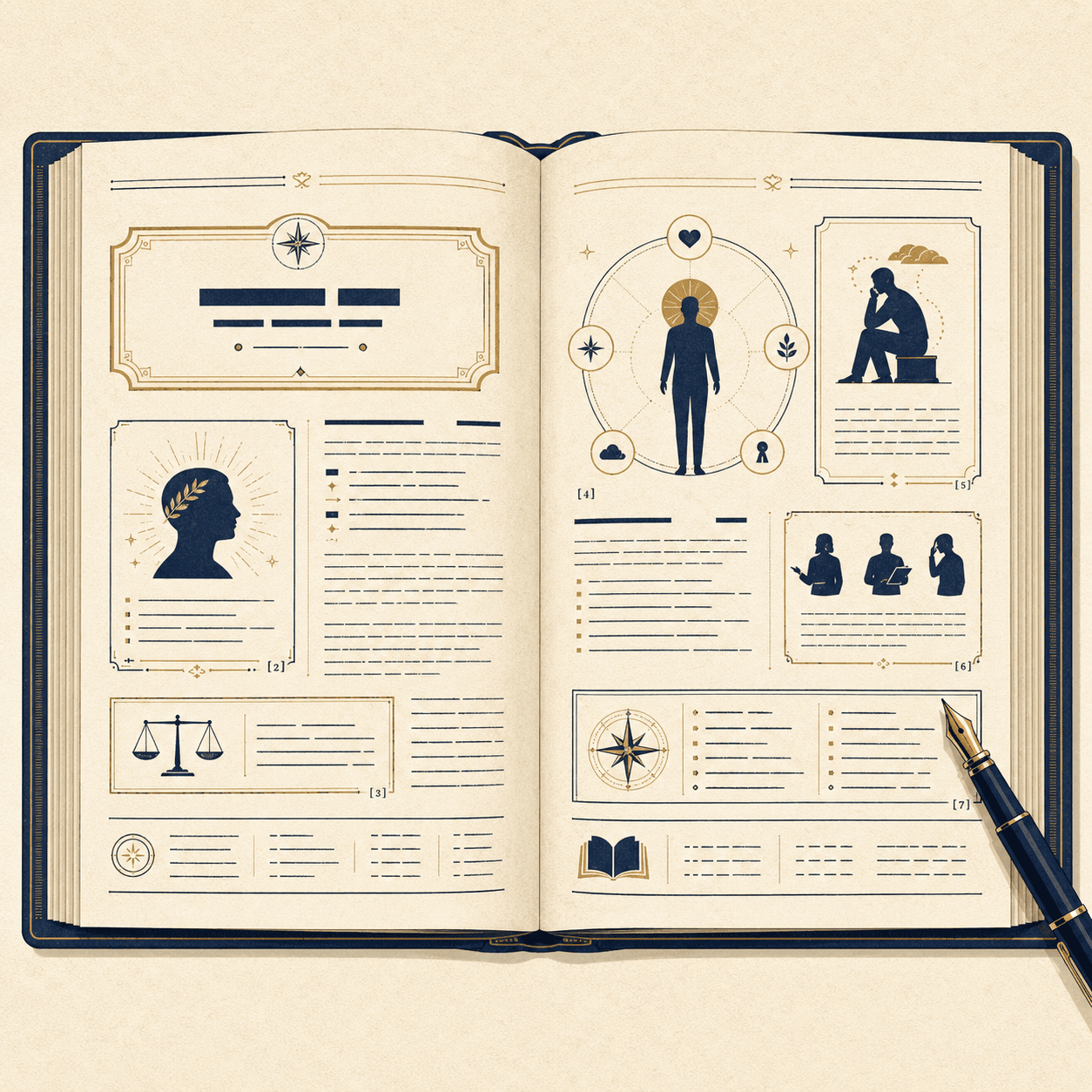 Write Your Imaginary Encyclopedia Entry from Our ChatsLays out the tendencies shown in our chats as one encyclopedia entry (overview, traits, anecdote-style items, footnote grounds) — all identifying info abstracted.ChatGPT·3 copies·0 likes
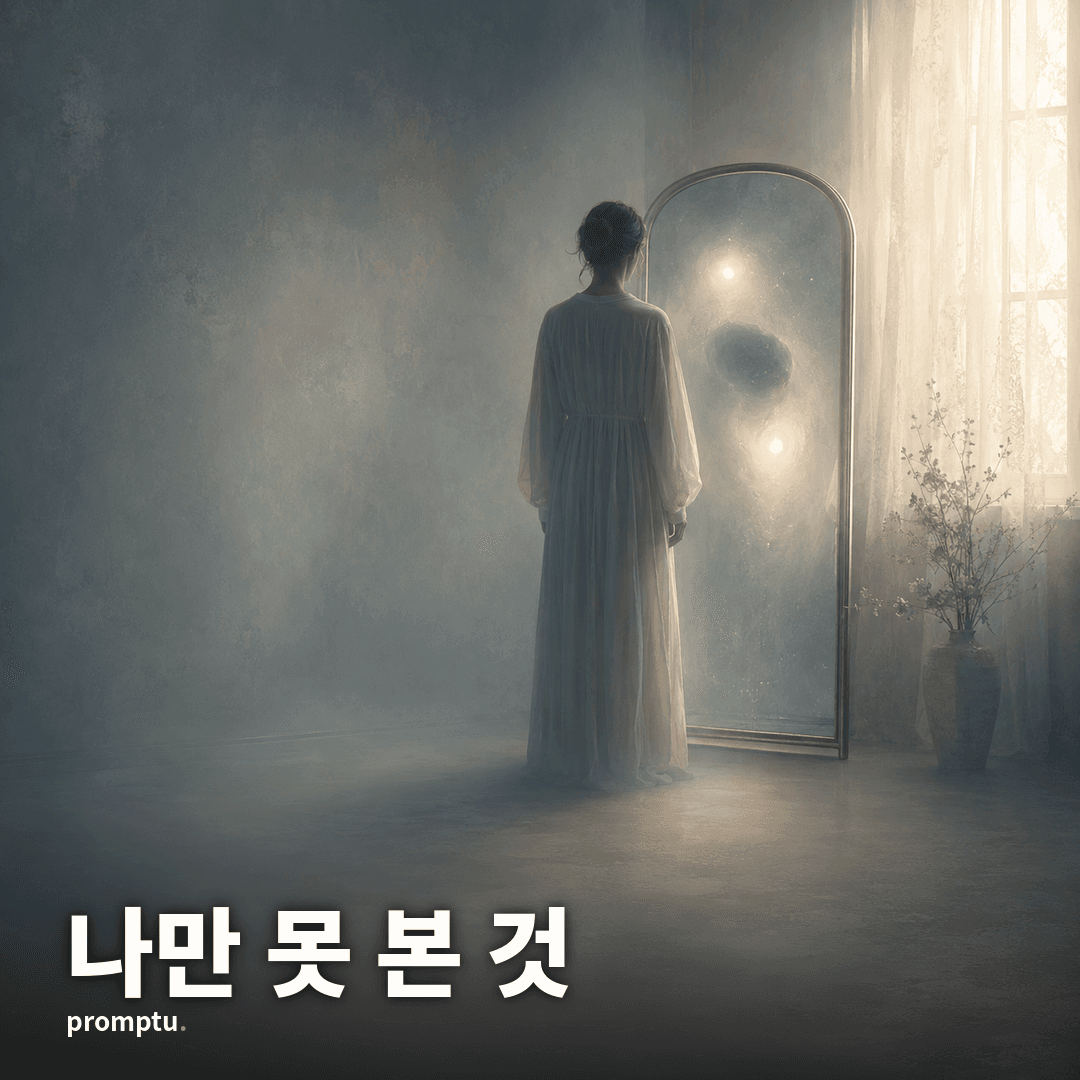 The You You Don't See — A Blind-Spot ReportFrom your past conversations, it diagnoses the "2 hidden strengths + 2 blind spots" you can't see yourself, on visual gauges, plus a one-line prescription for this week — every item with its rationale.ChatGPT·2 copies·0 likes
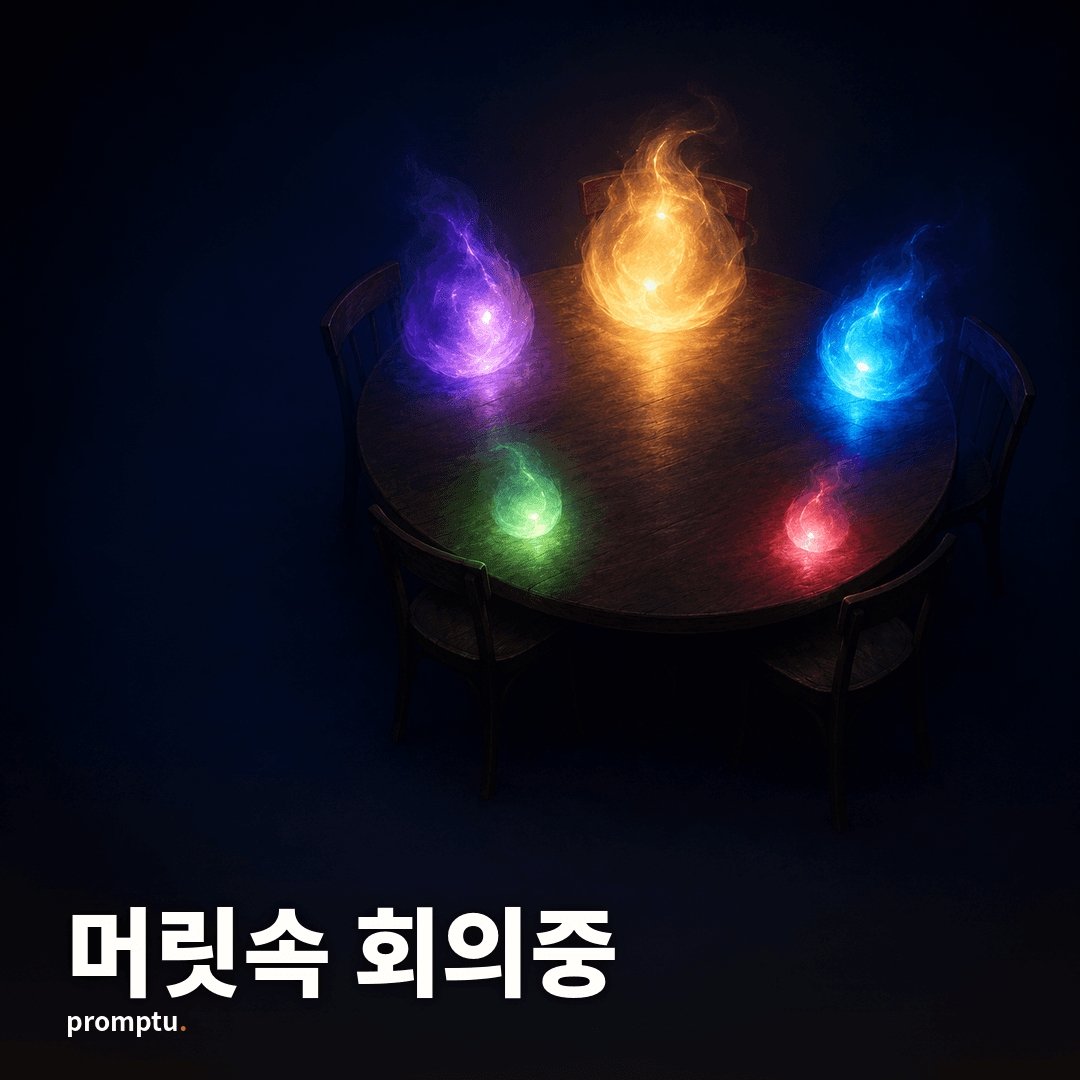 The Meeting Room in Your Head — Your 5 Inner CharactersPersonifies your inner voices as 5 characters in a meeting scene from the tendencies shown in our chats (roles, signature lines, influence gauges, and the chair's resolution).ChatGPT·2 copies·0 likes
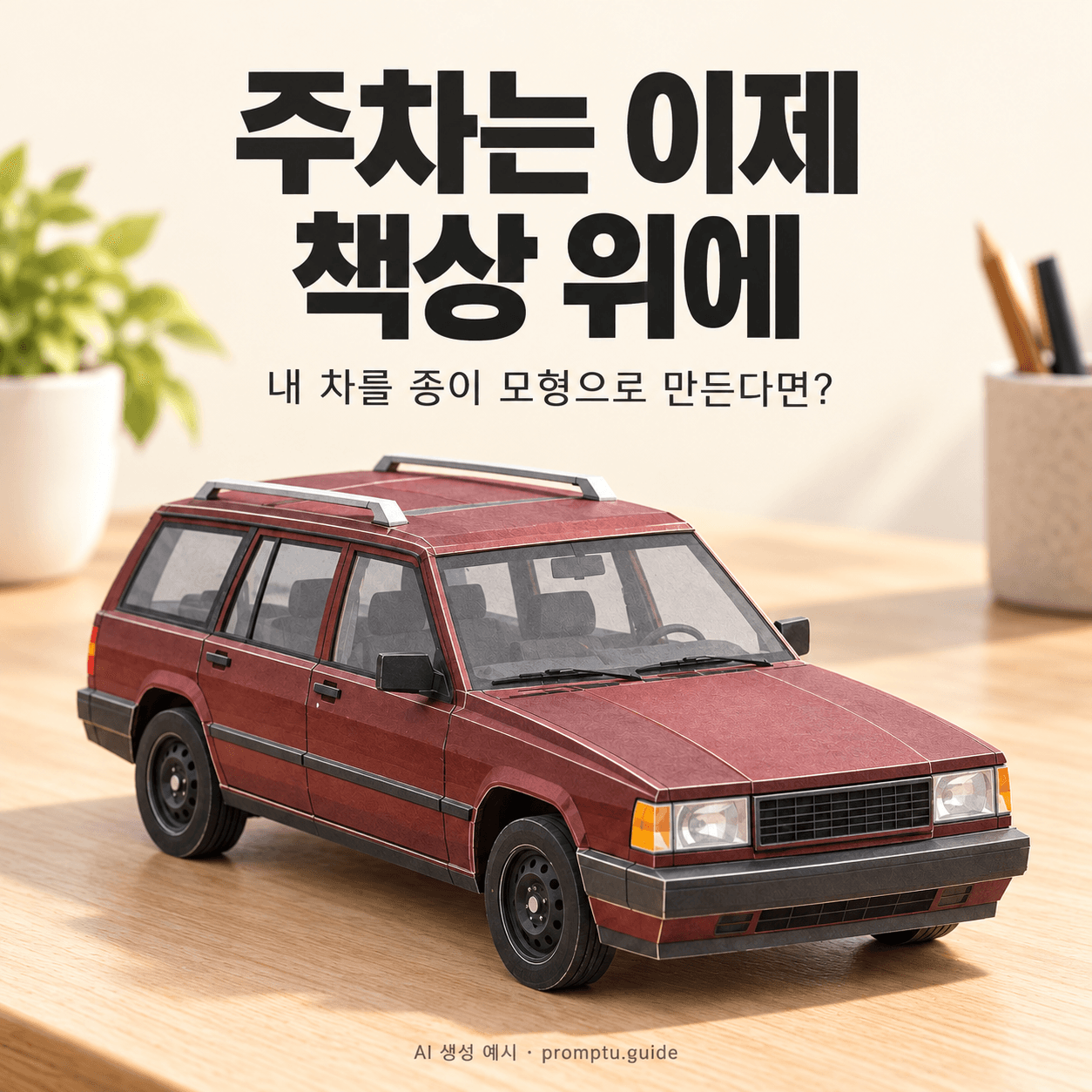 My Car, Parked on My DeskPark a second version of your car on your desk: a little model made of folded paper.ChatGPT·1 copies·0 likes
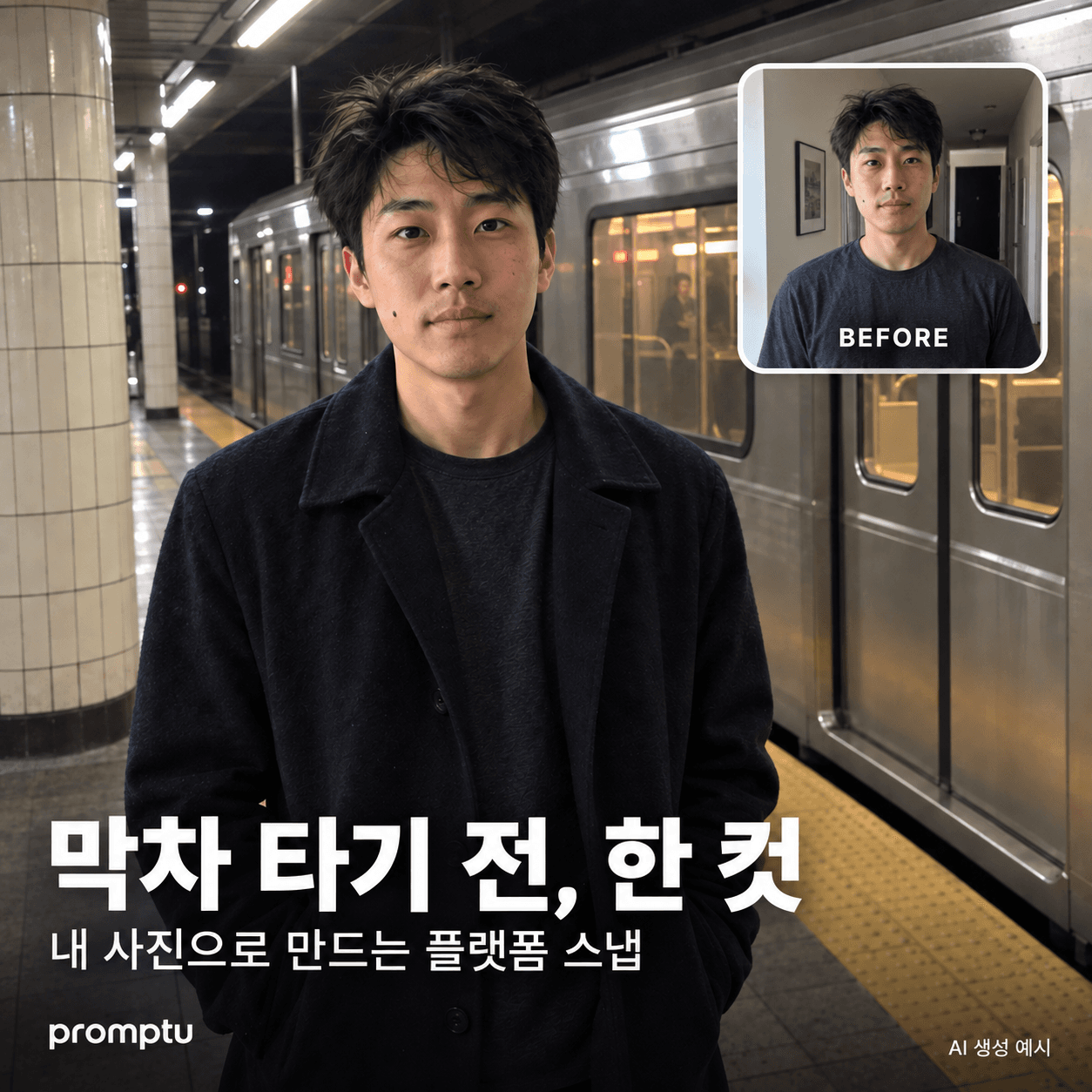 막차 타기 전, 내 사진을 플랫폼 스냅으로집에서 찍은 사진인데, 막차를 기다리다 친구가 찍어준 한 컷처럼.ChatGPT·1 copies·0 likes
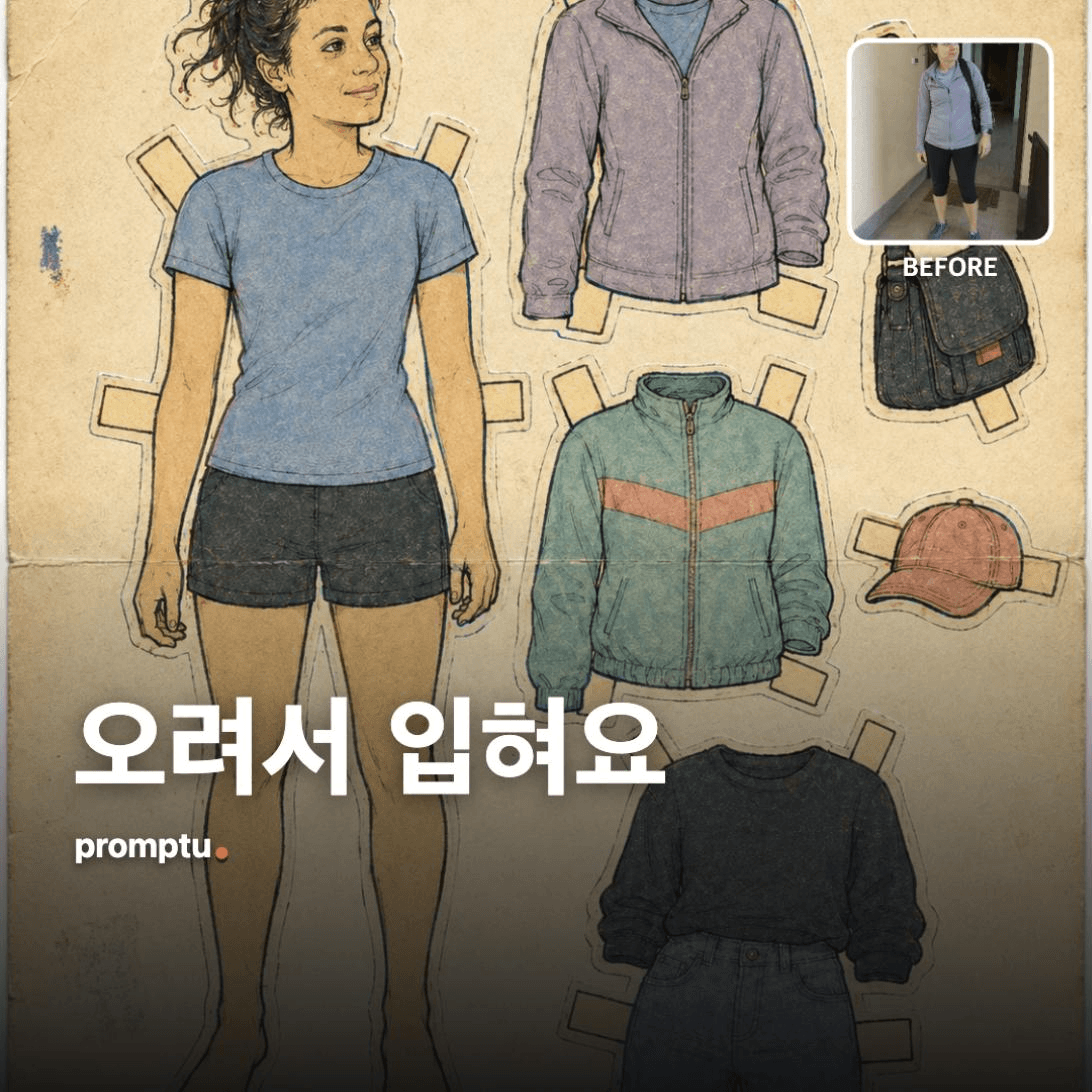 Turn Your Photo Into a Cut-Out Paper Doll Dress-Up SetTurns the subject of your photo into a 1980s-90s stationery-shop paper doll sheet - clumsy scissor edges, 1-2mm misregistered ink, fold tabs and all.1 copies·0 likes
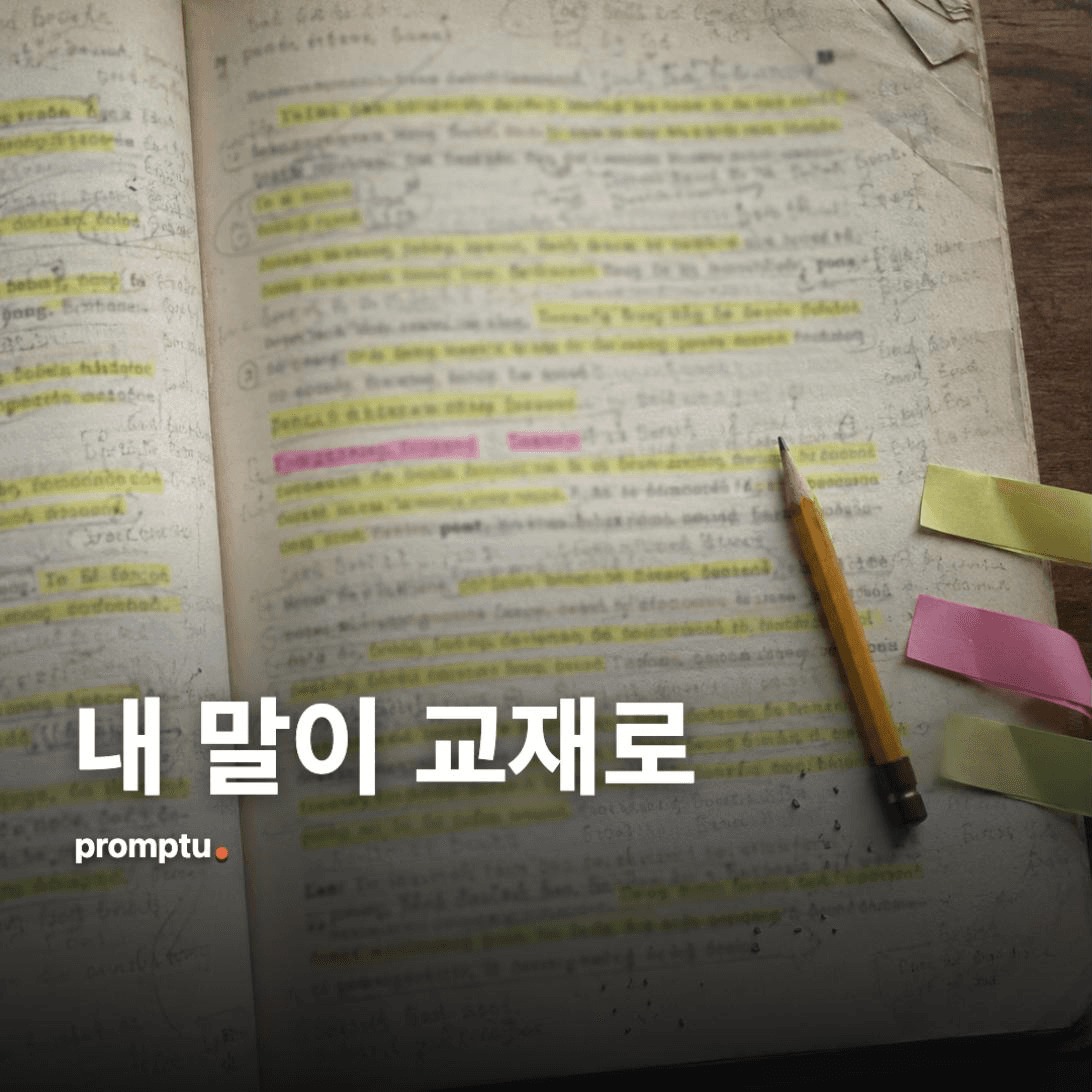 What If Your Way of Speaking Became a Textbook UnitPulls your verbal tics and favourite turns of phrase from past conversations and edits them into one unit of a language textbook - dialogue, vocabulary, grammar notes and exercises.1 copies·0 likes
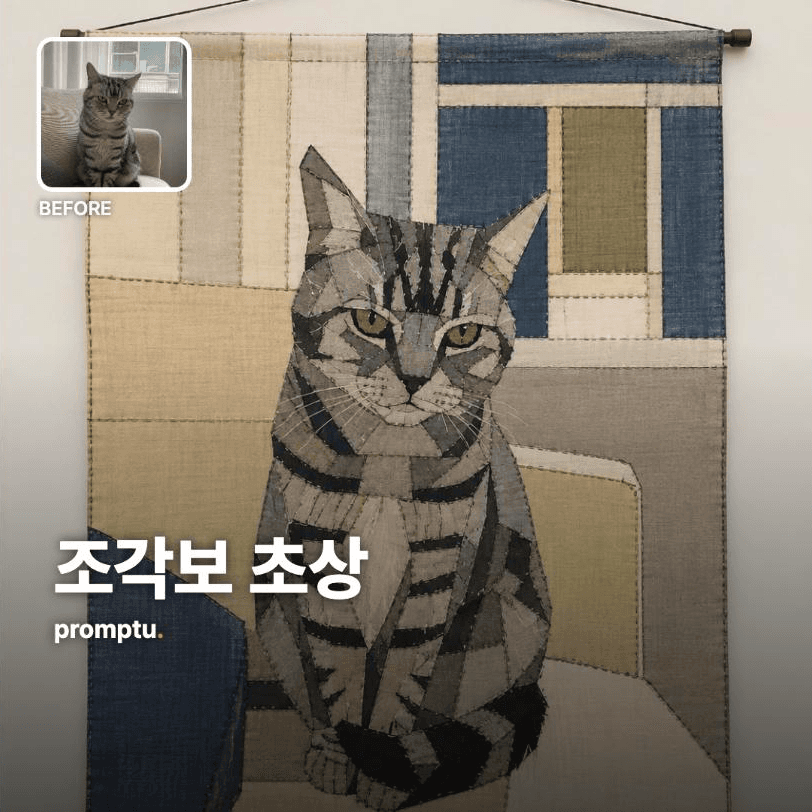 Turn Your Photo Into a Jogakbo Colour-Field PatchworkRe-stitches a photo as Korean jogakbo patchwork. The shape survives; every detail becomes cloth.1 copies·0 likes
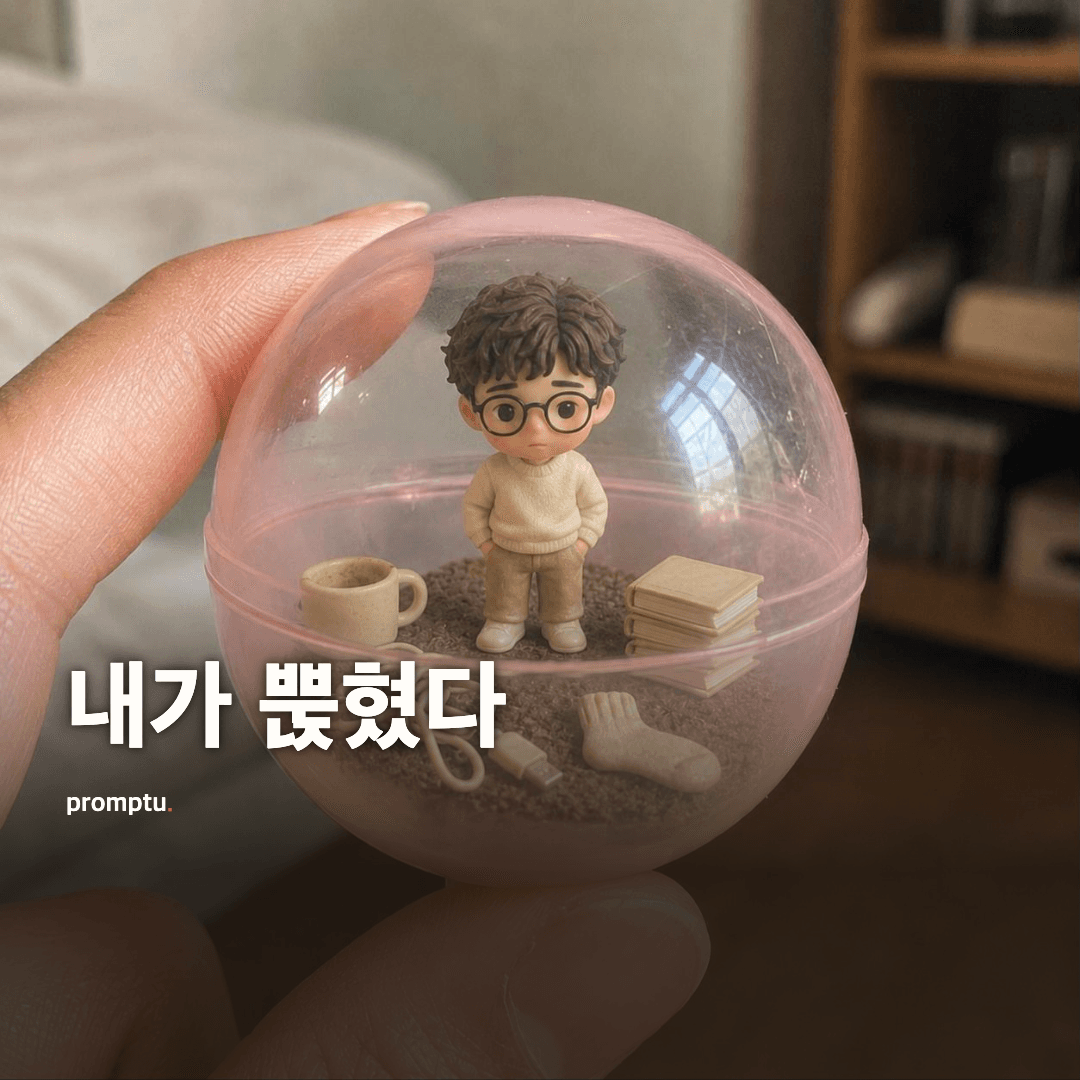 My Whole World Inside A Capsule Between Two FingersA close-up of a clear gashapon capsule just out of the machine, held between two fingers - with a miniature you and your entire world packed inside.1 copies·0 likes
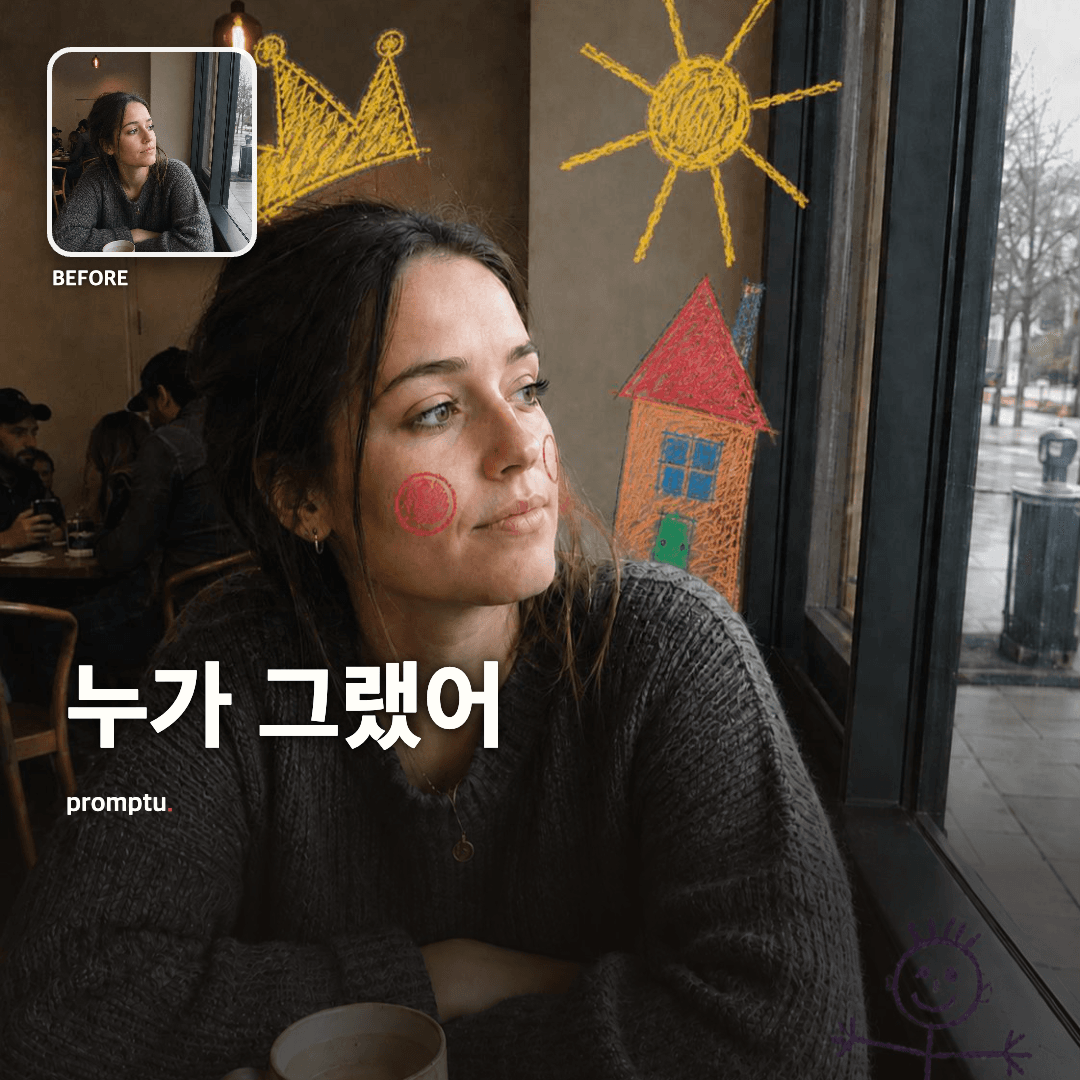 A Seven-Year-Old Scribbled On My PhotoKeeps your photo untouched and layers wobbly crayon doodles on top, as if a child secretly got hold of it.1 copies·0 likes
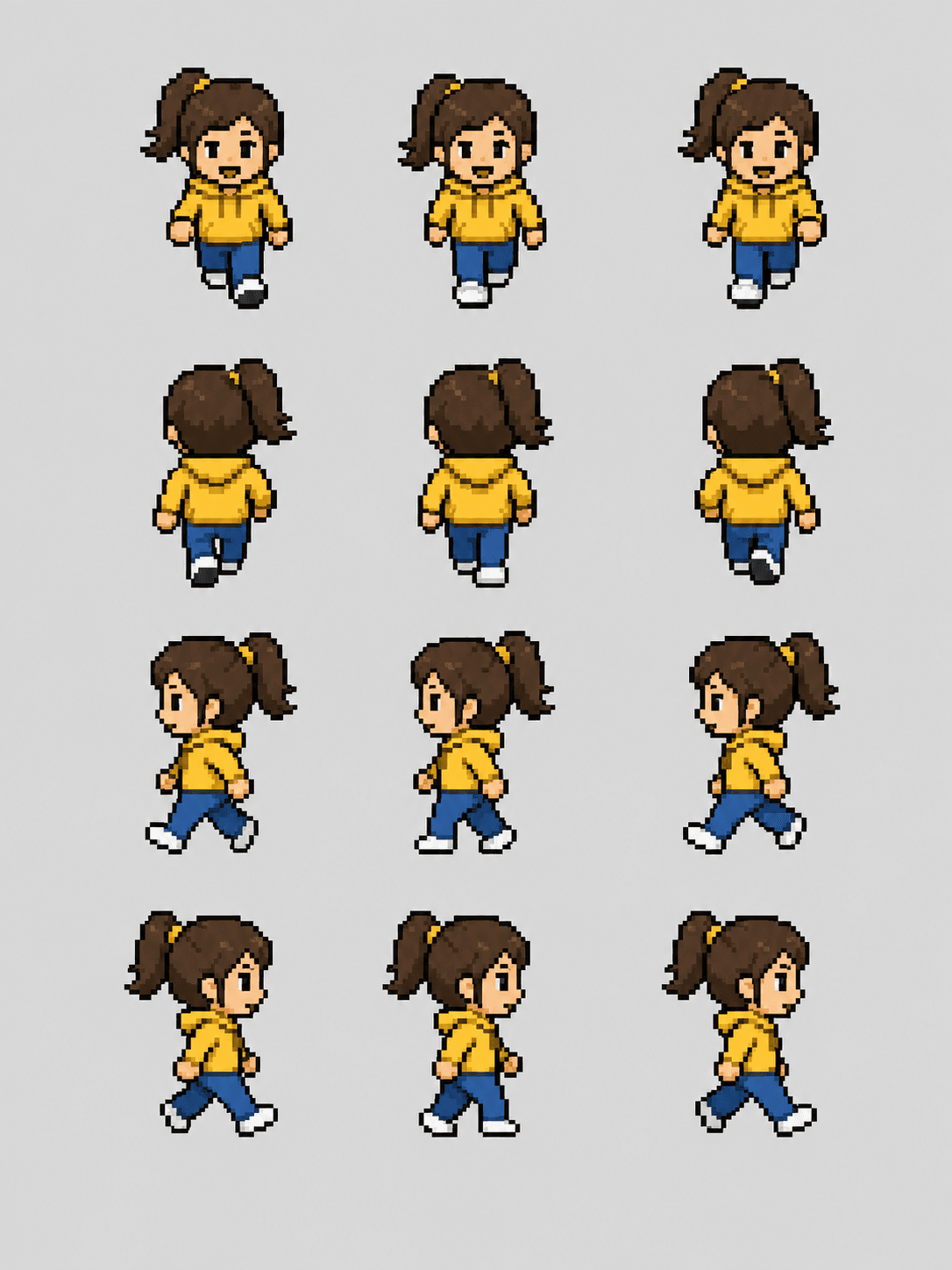 Turn Your Photo into a Pixel-Art Character Sprite SheetTurns one portrait into a retro dot-game character and lays out up/down/left/right walk frames as a single sprite sheet (invents a character if no photo).ChatGPT·1 copies·0 likes
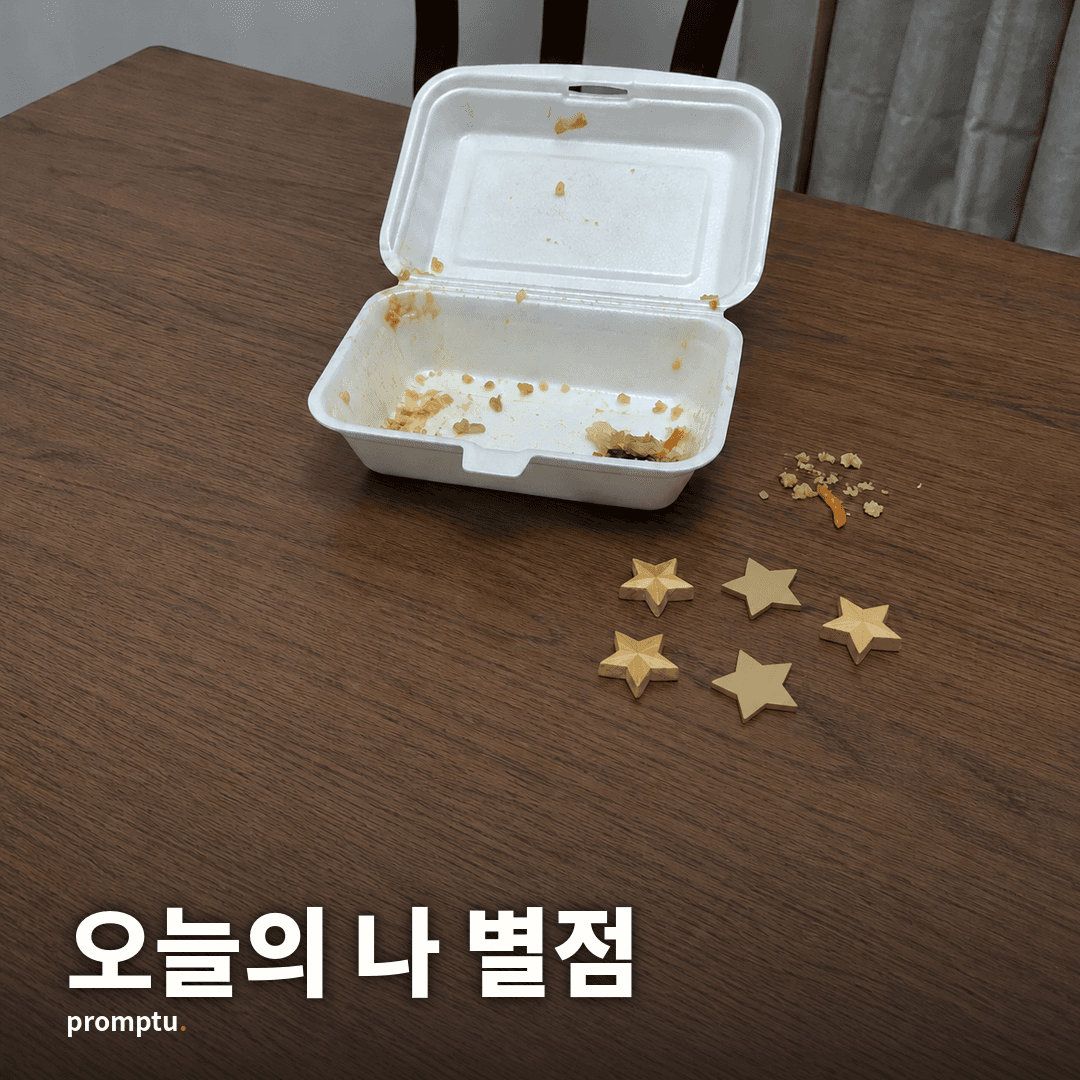 Today's You as a Delivery-App Review — Stars and an Owner ReplyReviews today's you (or lately's you) in delivery-app voice — star rating, reorder intent, and a heartfelt 'owner' (=you) reply. Gloriously trivial.ChatGPT·1 copies·0 likes
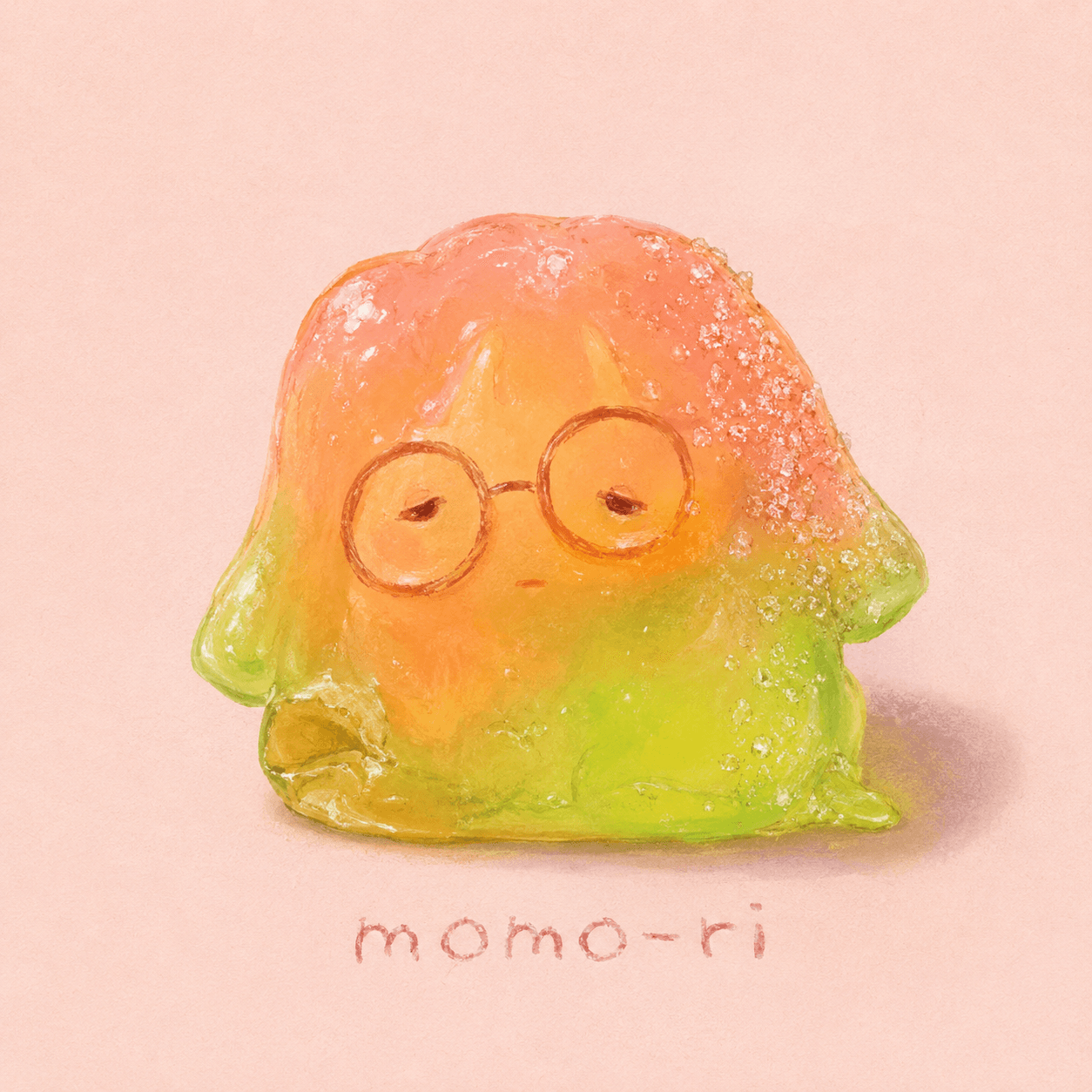 Turn a Selfie or Pet Photo into a Squishy Gummy CandyTurns the subject into a translucent, lumpy handmade gummy — charmingly ugly, squished and glossy, with a wobbly handwritten name tag.ChatGPT·1 copies·0 likes
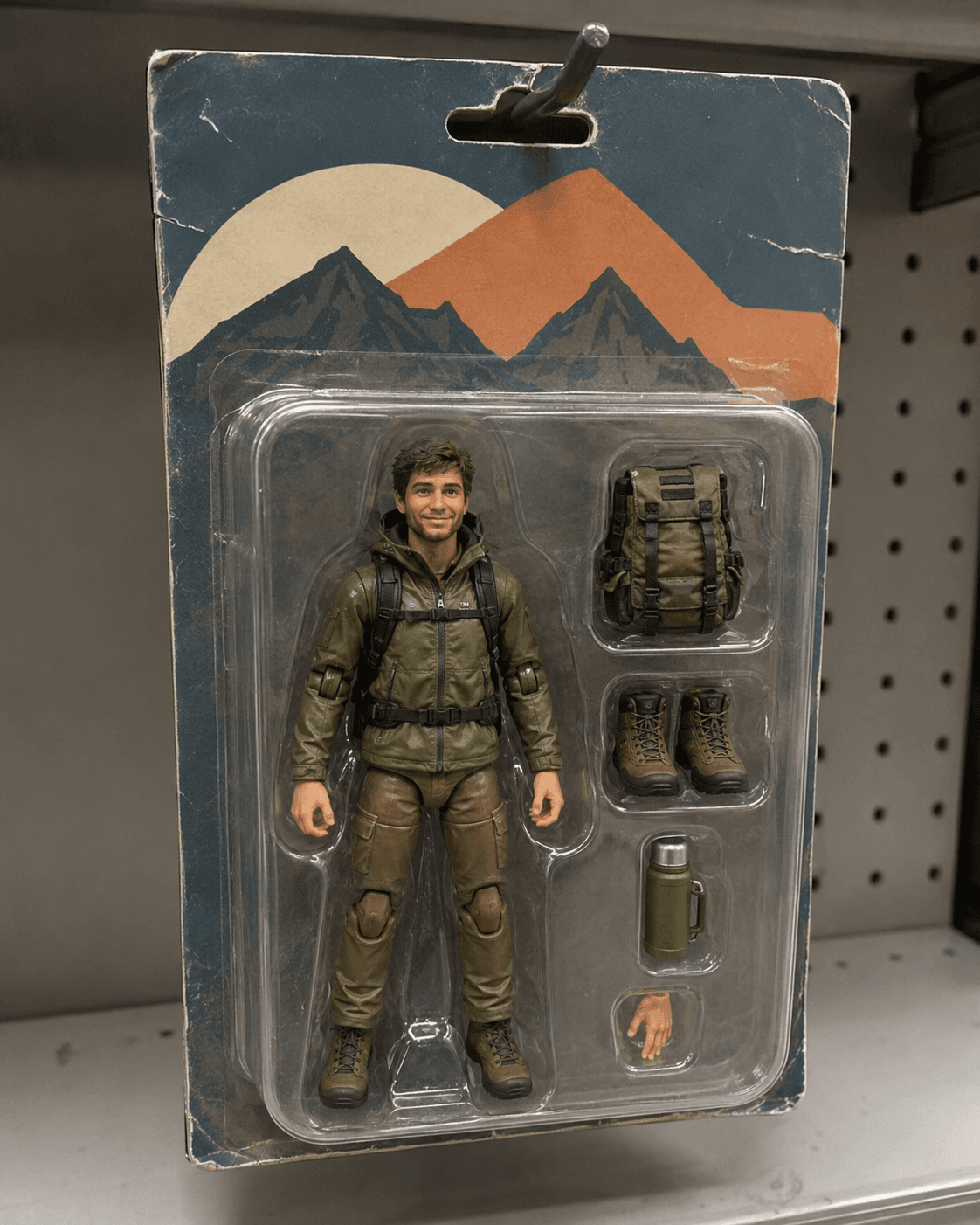 Turn Your Selfie or Pet into a Collectible Action-Figure Blister PackTurns you or your pet into a toy-store action figure — a figure in a clear blister pack with mini accessories that hint at your personality, plus a header card (generates a subject if no photo).ChatGPT·1 copies·0 likes
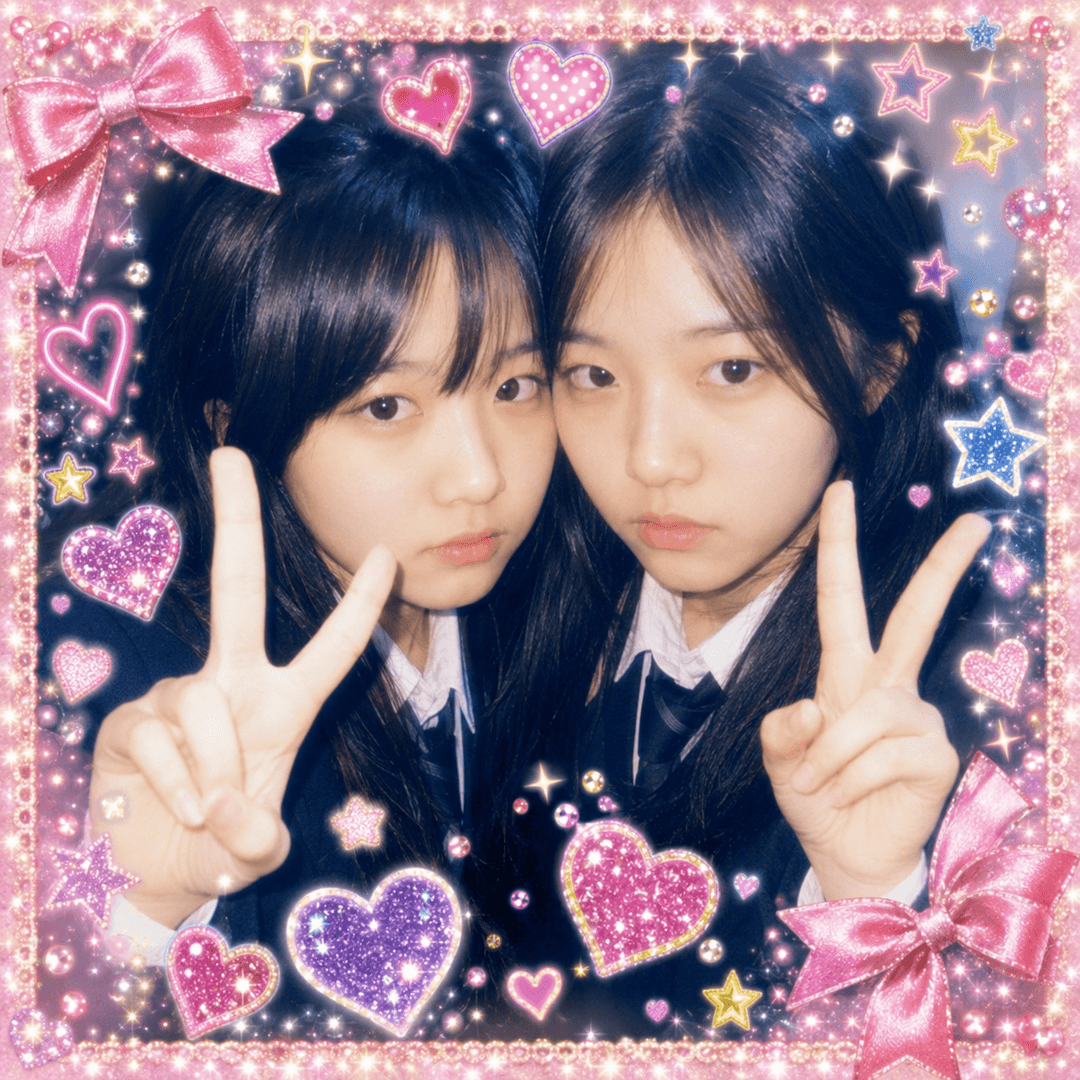 Turn Your Selfie Into a 2000s Sticker-Photo Booth VibeTurns a selfie into a cheesy 2000s sticker-booth print — plastered with hearts, glitter, and star stamps, playing a deadpan face against over-the-top decoration.ChatGPT·1 copies·0 likes
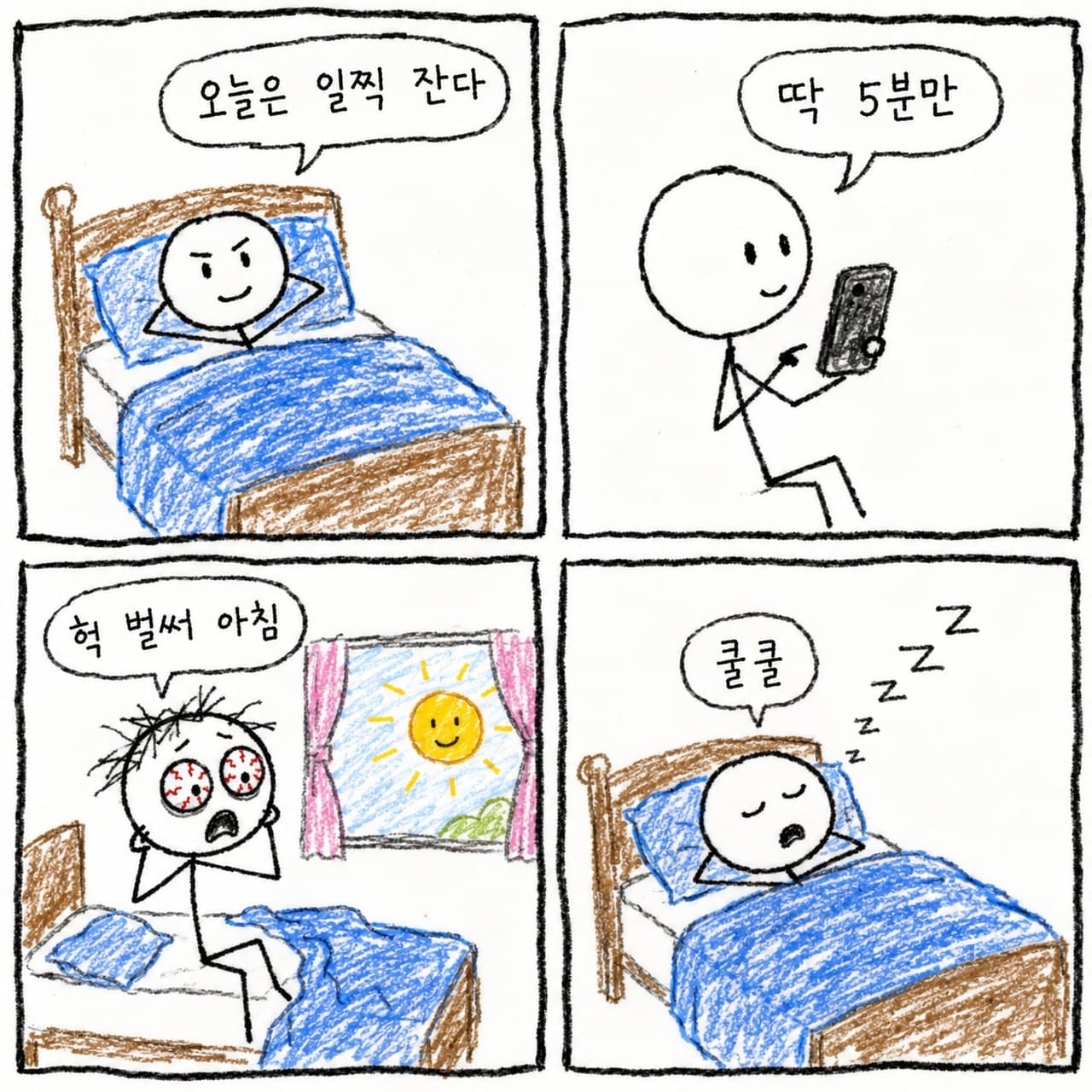 Your Day as a Silly 4-Panel ComicPulls today's events from our conversation into a crudely drawn stick-figure 4-panel comic — wobbly handwritten speech bubbles, always ending on something trivial.ChatGPT·1 copies·0 likes
 Plot My Taste on a Map, Drawn from Our ConversationsPlots your taste on two axes drawn from your conversations alone — and the real payoff is the one thing that refuses to sit where it should.ChatGPT·1 copies·0 likes
 Turn Rough Notes into a Deck OutlineTurns meeting notes or a rambling doc into a full outline — cover, contents, three bullets per chapter, closing — and flags where evidence is missing.ChatGPT·1 copies·0 likes
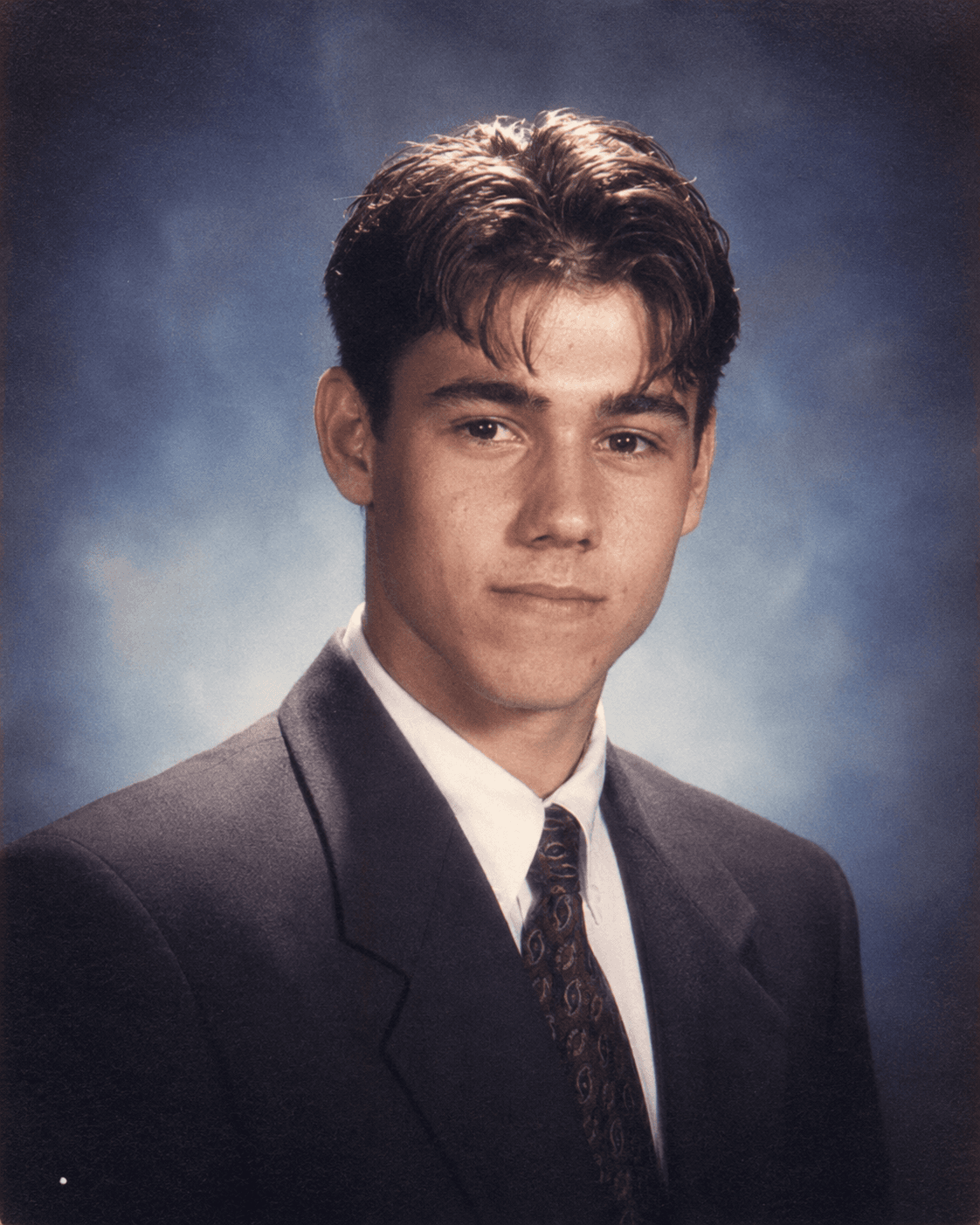 Turn a Selfie into a Retro Yearbook PortraitA 1990s or 2000s yearbook studio shot. Pick a year and it rebuilds the hair, the film tone, and that gradient backdrop exactly.ChatGPT·1 copies·0 likes
 Strip the AI Tone, Add a Human VoiceRewrites obviously AI-sounding text to read like a person wrote it — varied rhythm, no filler clichés, real detail — and shows what it changed and why.ChatGPT·1 copies·0 likes
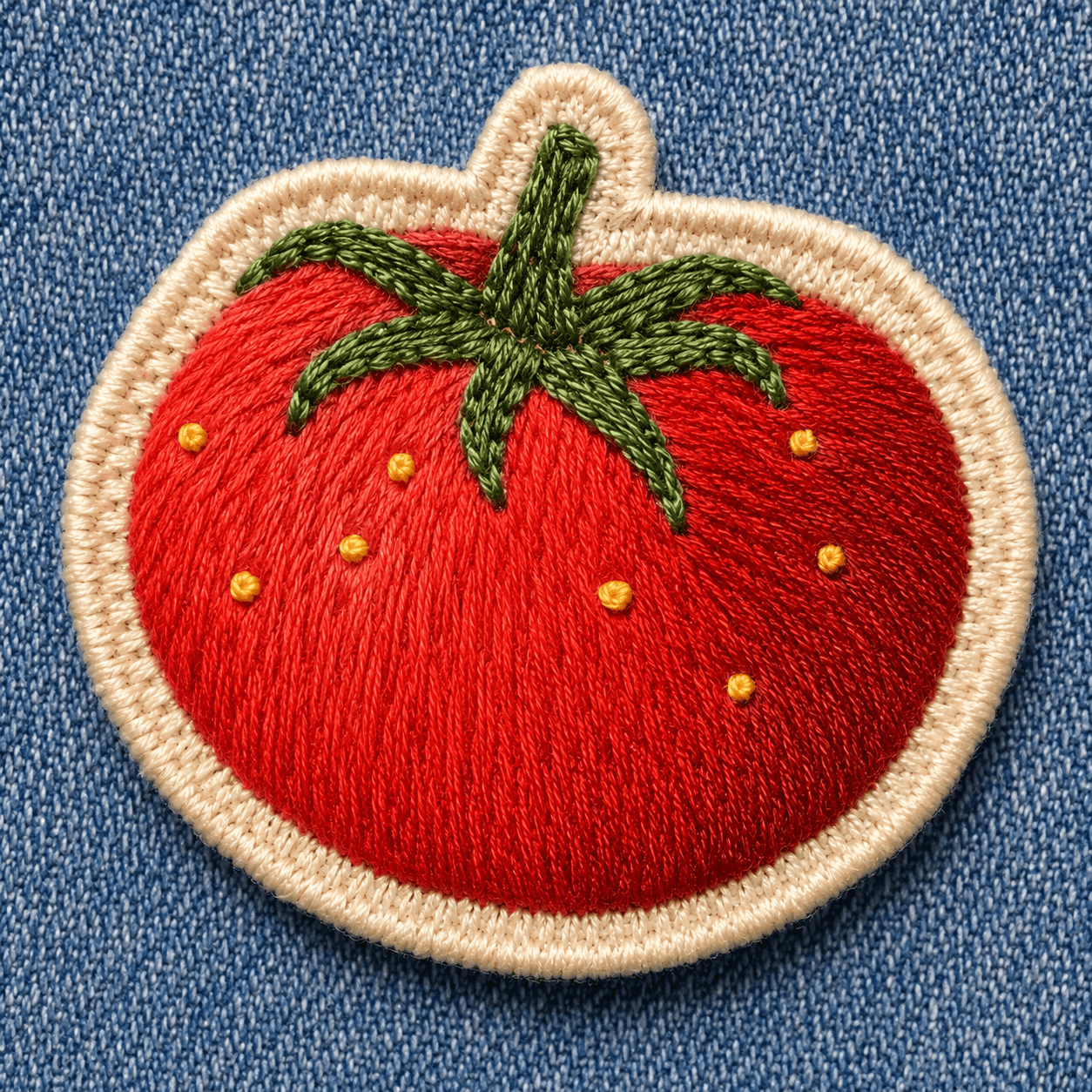 Turn a Photo into a Hand-Embroidered PatchTurns the subject of a photo into a thick-thread, stitch-by-stitch embroidered patch — satin-stitch texture, felt base, merrow border (generates a virtual subject if no photo).ChatGPT·1 copies·0 likes
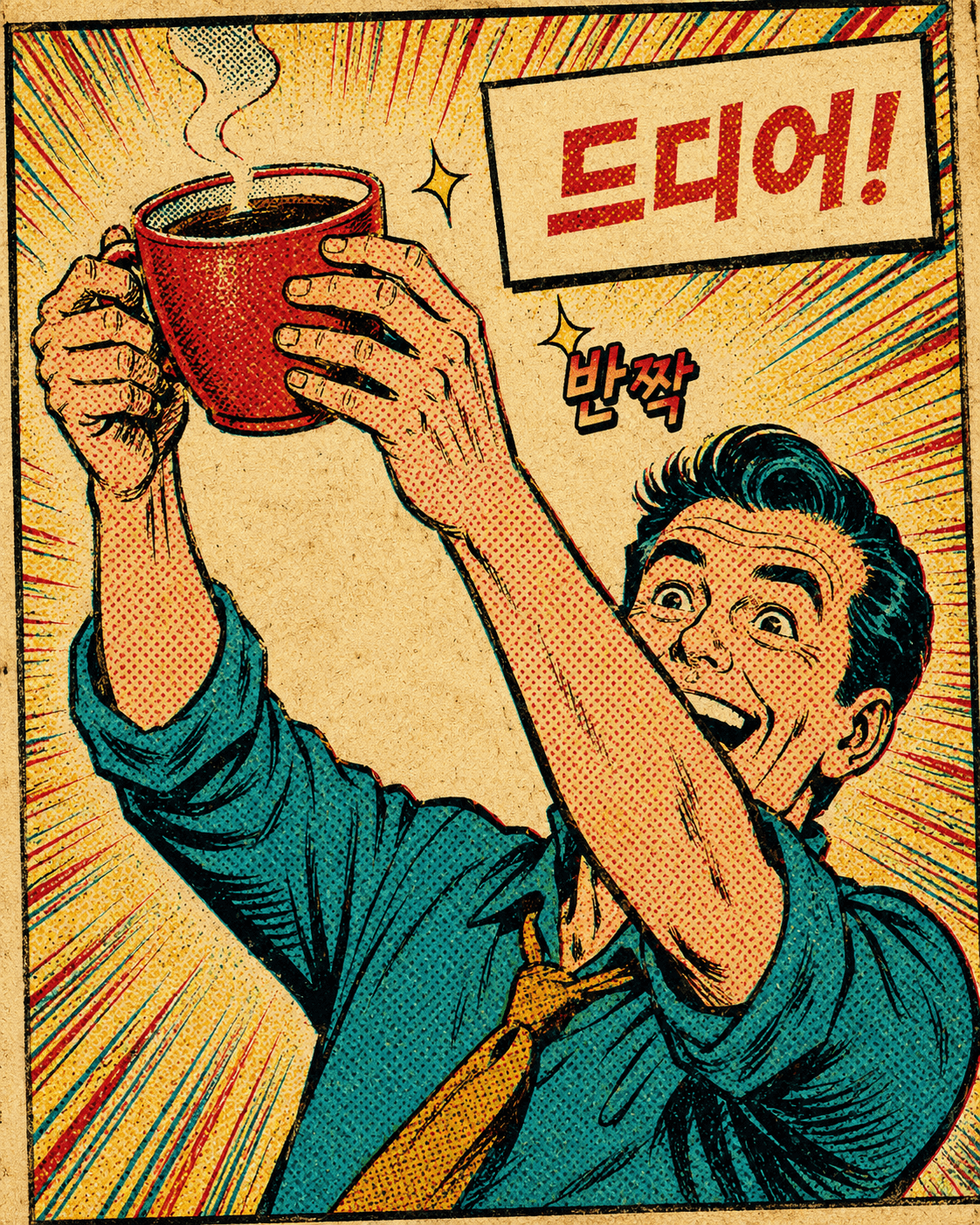 Turn a Photo into a Vintage Comic Book PanelTurns one photo into a 1960s-70s American comic book panel — bold ink lines, halftone dots, a speech balloon, sound-effect lettering (generates a virtual subject if no photo).ChatGPT·1 copies·0 likes
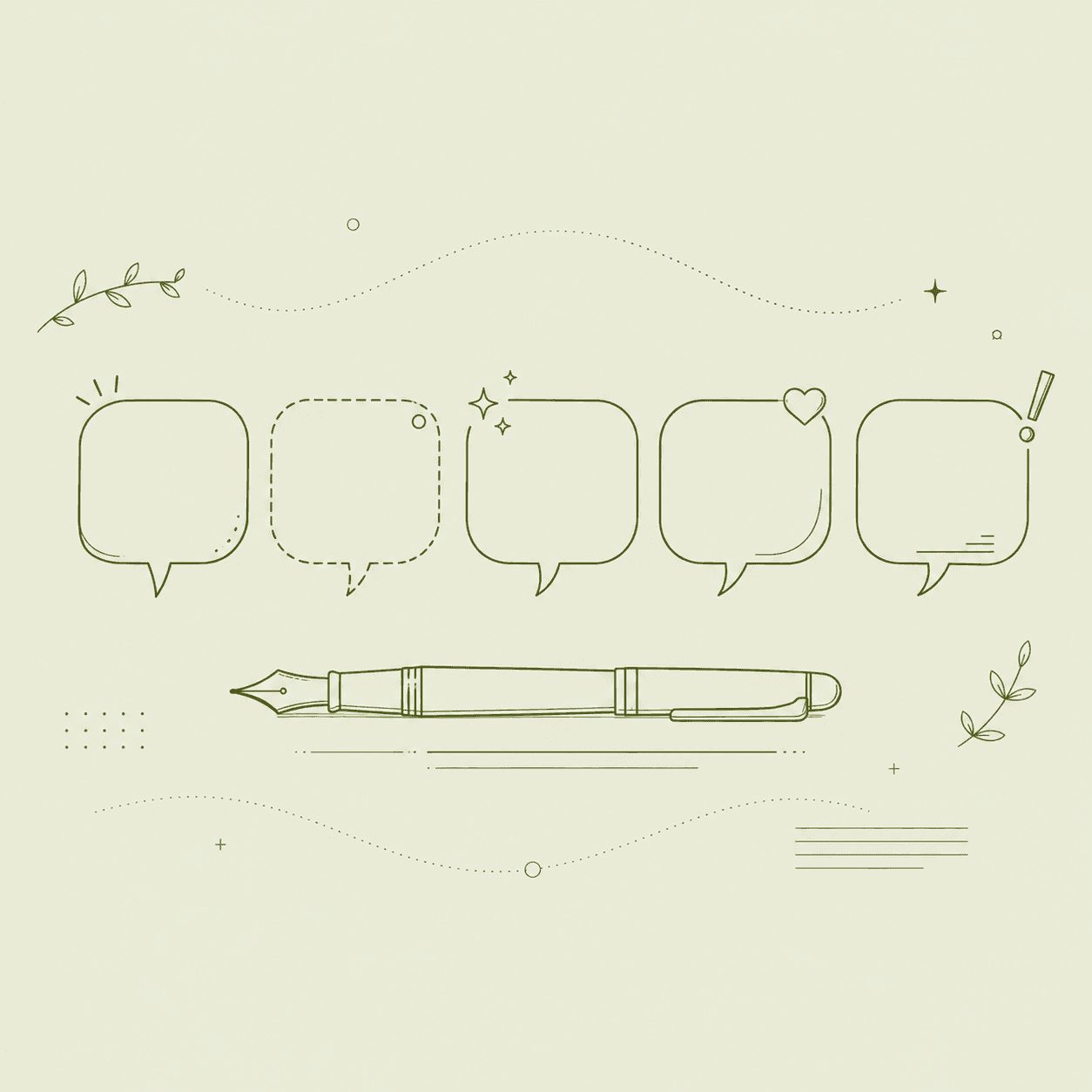 One Line About You or Your Brand — in Every MoodTurns your bio, profile, or slogan into one line across five moods — plain, witty, warm, professional, contrarian — sized to fit, each with its reasoning.ChatGPT·1 copies·0 likes
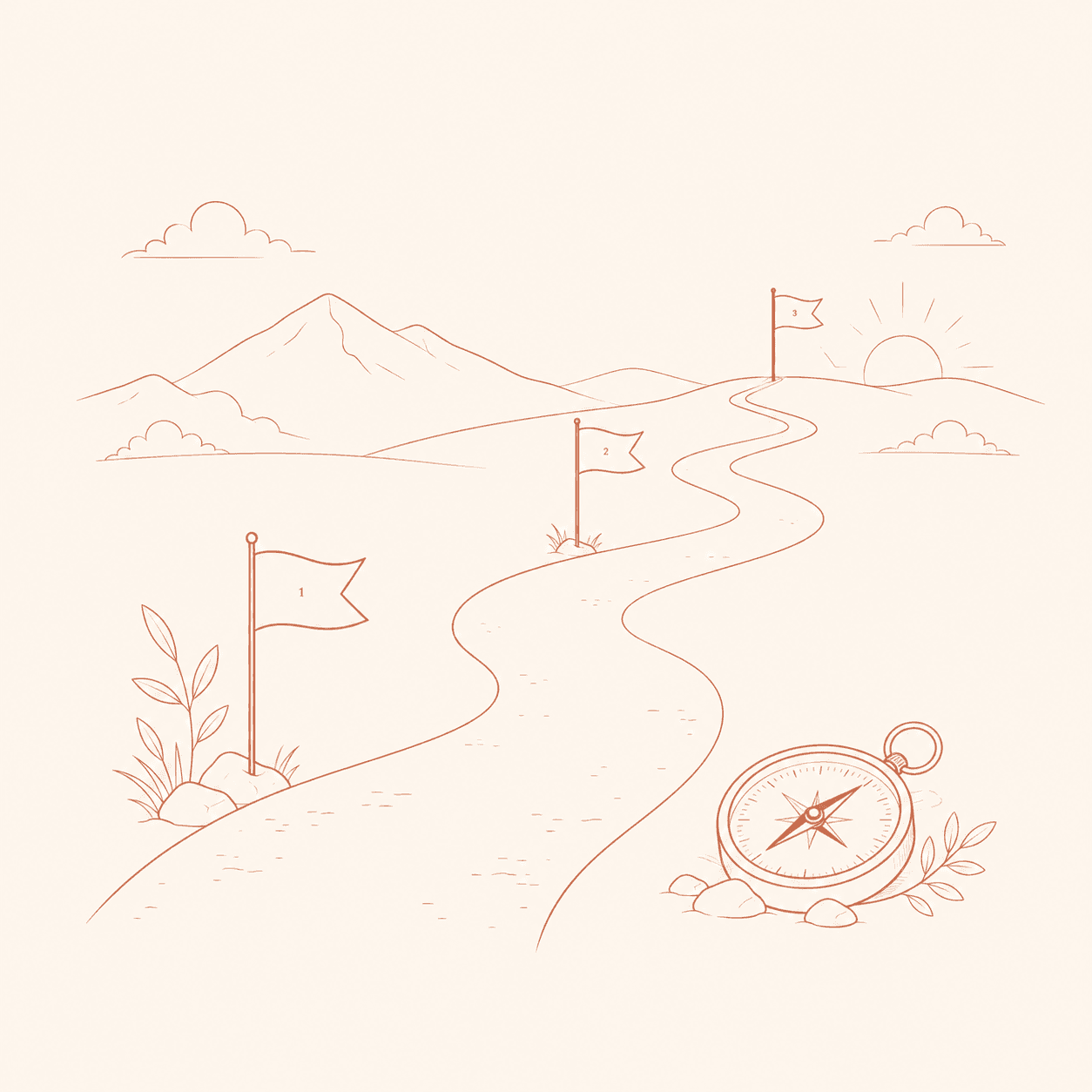 Turn an Overwhelming Field into a Step-by-Step RoadmapTurns a "where do I even start" field into a staged curriculum matched to your level and free time — each stage with goals, key concepts, checkpoints, and common traps, starting with this week's first tasks.ChatGPT·1 copies·0 likes
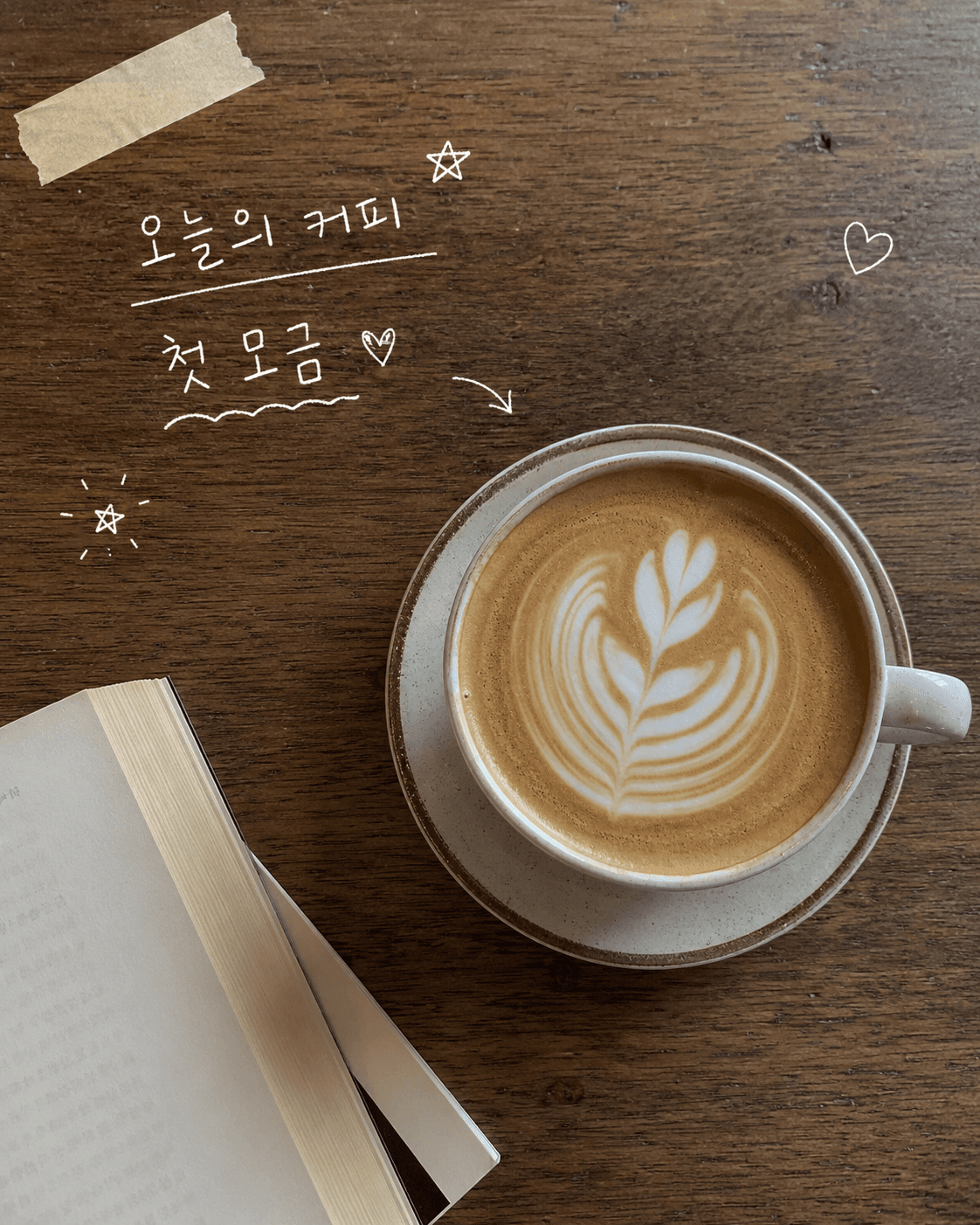 Turn an Ordinary Photo into a Handwritten Doodle Diary CutLayers white-pen handwriting and cute doodles over one everyday photo for an analog diary/scrapbook cut — that lived-in, authentic feel (generates a virtual everyday shot if no photo).ChatGPT·1 copies·0 likes