대표_팔로업이메일.png

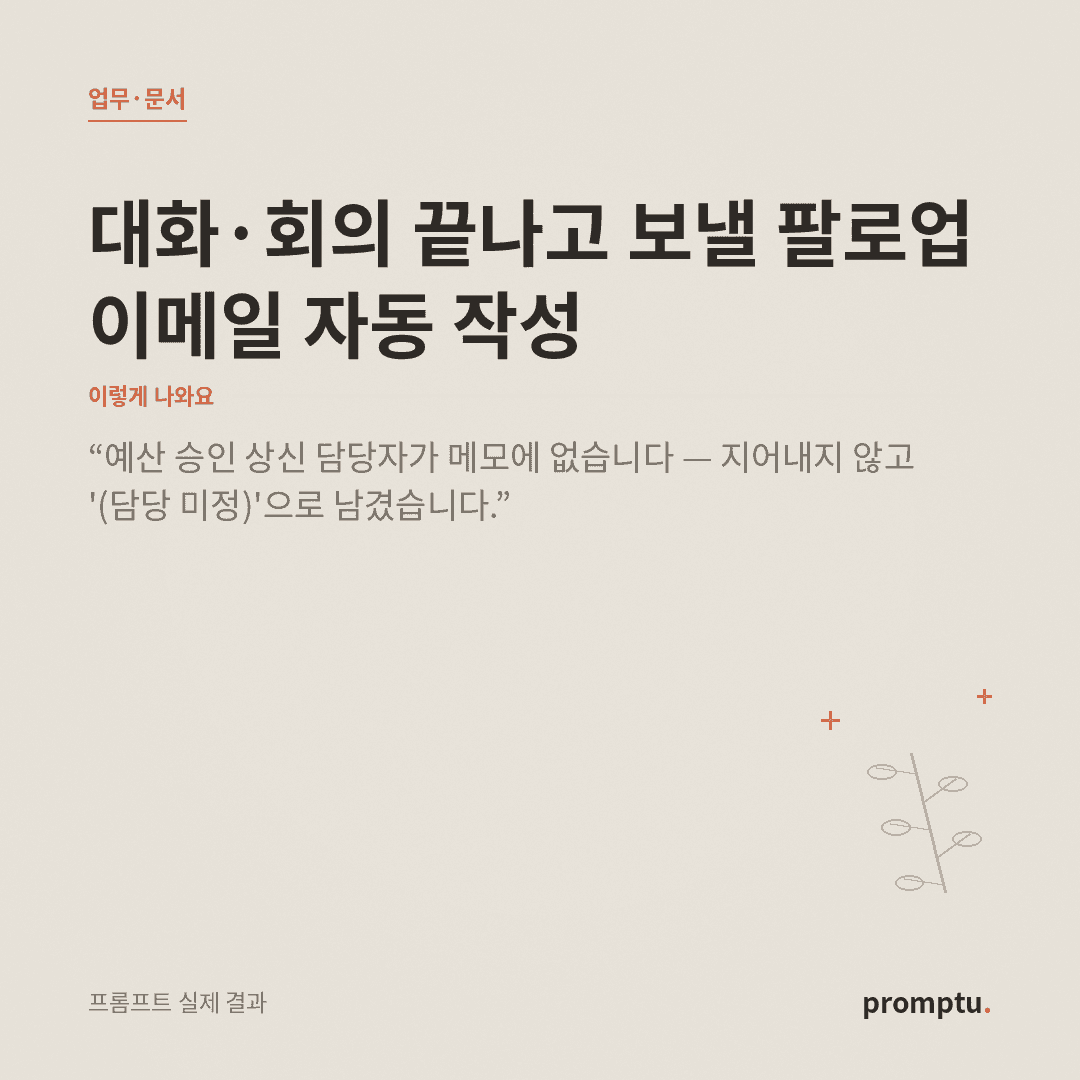
Auto-Draft the Follow-Up Email After a Meeting or Call

Turns messy meeting/call notes into a ready-to-send follow-up email — summary, agreements, action items (owner + due date), next steps. Never invents facts; flags the blanks.

0 views·0 copies

Prompt text

You are a meticulous assistant. Based on the {{meeting/call notes}} in the input below, draft a follow-up email that can be sent to the other party right away. The recipient should feel "this one email has it all."

Work rules:
1. Propose 3 subject-line options (concise, clear, with the date or topic). E.g., "[Project X] Today's discussion & next steps."
2. Structure the body in this order — one-line greeting → 3-line summary of today's discussion → agreed items (bullets) → action items (each with owner + due date) → next meeting/deadline → sign-off.
3. Show action items as a table or bullets so "who / what / by when" is clear at a glance; if owner or due date isn't in the notes, mark it "(owner TBD)" or "(due date to confirm)" — do not invent.
4. Keep the tone polite but lean. Give the same draft in two versions — external (formal) and internal (casual).
5. Never add facts or agreements not in the notes. Pull anything ambiguous into a separate "Points to confirm" list (1-3 items) at the end.

Forbidden: inventing decisions, overblown pleasantries, external links or extra steps. Use the recipient's name/company only as given in the input; don't fabricate.

Output (markdown): 3 subject options → [External / formal] full email → [Internal / casual] full email → Points to confirm. Ready to copy and send.
Output language: Write in the language the user uses in the input. This instruction must work identically in any language.
Self-contained: Finish within this reply. Do not direct to external sites or extra steps.
Fallback: Even if the notes are scattered, reorder them by time/topic yourself, and leave missing fields marked rather than invented.

----
Input
- {{meeting/call notes}} (required): paste what was discussed, in any order.
- {{recipient/relationship}} (optional): who it's going to (e.g., a client contact). Used to tune the tone.
AI

AI response

Recommended AI: ChatGPT, Claude, Gemini

The notes came in scattered, so I reordered them by time and topic. The two spots missing an owner or due date are left marked, not invented.

Subject options

  1. [New Product Launch] Today's discussion & next steps
  2. [Launch Kickoff] Decisions & action items (Jul 21)
  3. Meeting recap and to-dos — please confirm

[External / formal]

Hi [Name], thank you for making time today amid a busy schedule. Here is a summary of what we discussed.

Today's summary

  • We leaned toward setting the new product launch for next month.
  • Design mockups and budget approval were confirmed as this week's key tasks.
  • Marketing will center on social, but the details need further review.

Agreed items

  • Target launch: early next month (exact date to be re-set once mockups are final)
  • Primary channels: our social + newsletter

Action items

OwnerTaskDue
Design teamShare 3 key mockupsNext Wednesday
Mr. KimDraft SNS launch plan(due date to confirm)
(owner TBD)File the budget approval requestThis week

Next meeting · Not yet set — suggest scheduling after mockups are shared.

Please let me know and I'll update. Thank you.


[Internal / casual]

Hi [Name], wrote up today's meeting — please check!

  • Decided: launch early next month, channels = social + newsletter
  • To-dos
    • Design: 3 mockups -> next Wed
    • Mr. Kim: SNS plan draft -> give me a date
    • File budget approval -> this week, but who's on this?
  • Next meeting: let's set it once mockups land

Points to confirm

  1. No owner in the notes for filing the budget approval — who should take it?
  2. No due date set for Mr. Kim's SNS draft.
  3. The exact "early next month" date is pending final mockups.

Related prompts