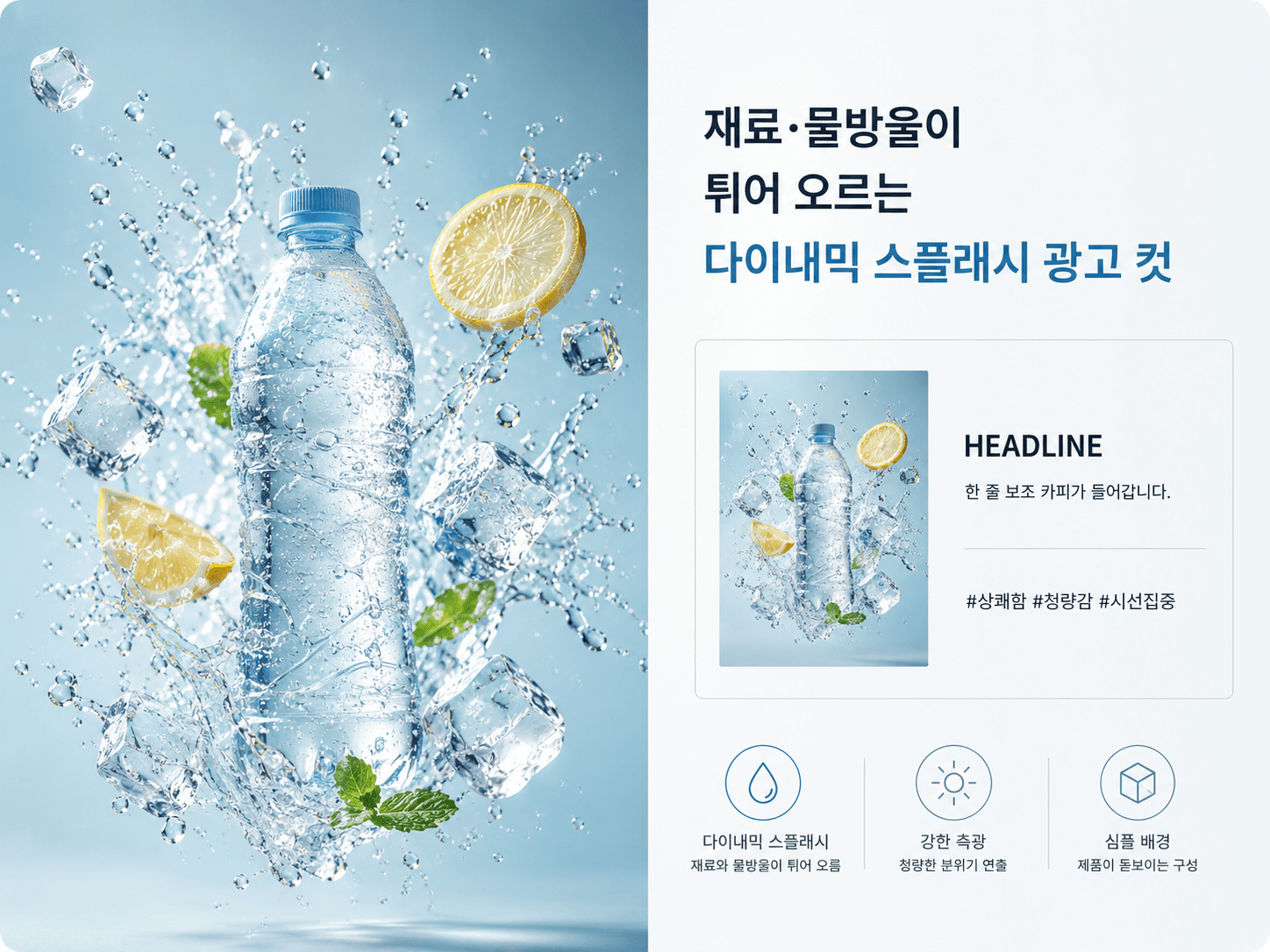
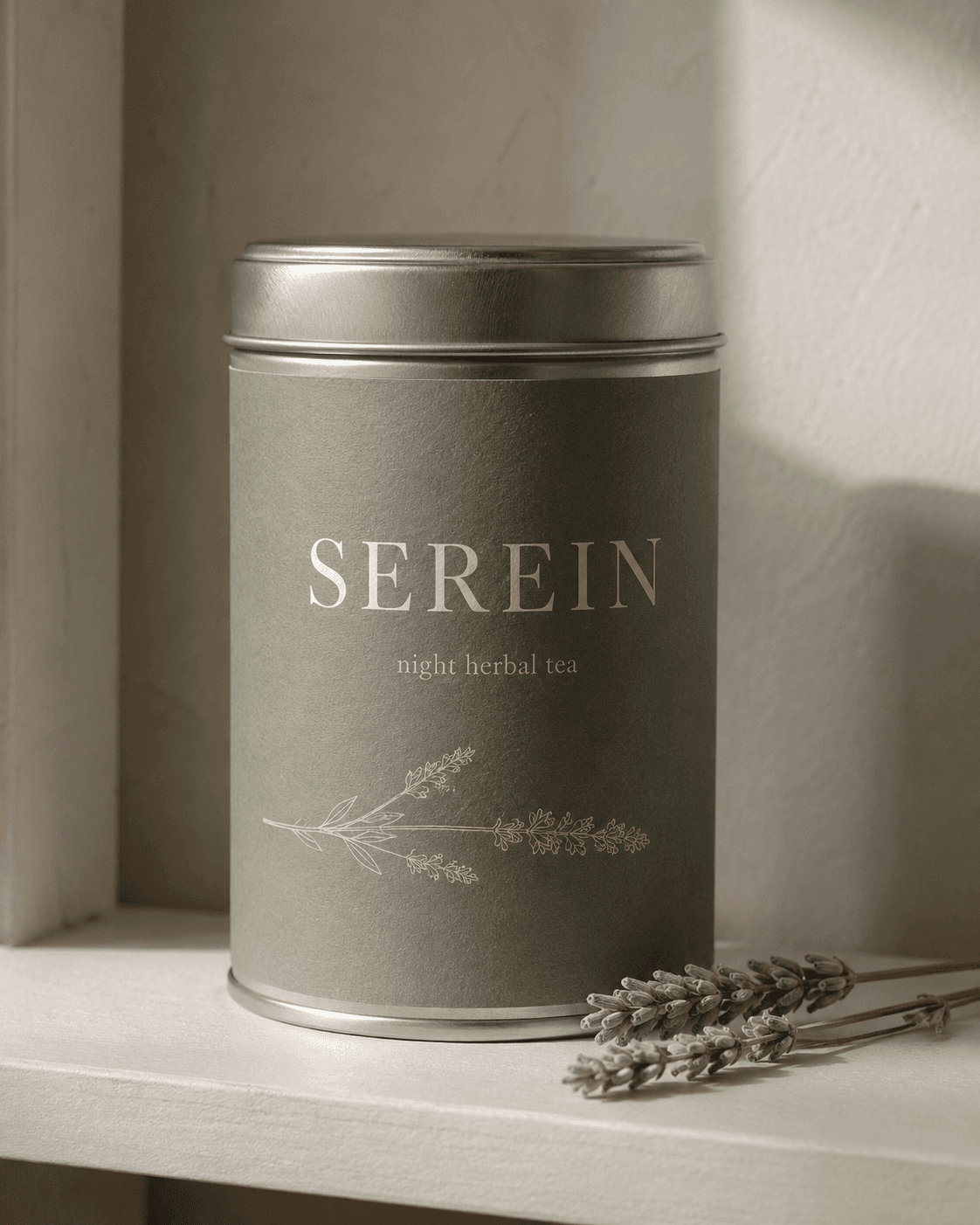
Reconstruct the product photo in the input below into a dynamic splash ad cut with ingredients, droplets, or powder bursting in mid-air.

Work rules:
1. Place the product sharp at center, with matching ingredients bursting in the air (beverage = ice/droplets, cosmetics = cream/ripples, snack = grains/chocolate shards).
2. Light it with strong side light from one direction + soft shadow, keeping the product label clearly legible.
3. Keep the background near-solid or a single gradient so the product stands out.
4. Keep the product's shape, color, and logo exactly as in the original; do not distort.
5. Do not include identifying info from the photo (price tags, barcodes, other people's faces).

Output: (1) one splash ad cut image + (2) a companion explanation — write a friendly note, in markdown, where you explain to the user what you just made. Walk through what you built and why, and the choices you made in composition, light, background, and the placement of the bursting ingredients (e.g., "I scattered the droplets only outside the can so the label stays unblocked"), and naturally weave ready-to-use copy (headline, sub-copy, social caption) into that flow. Do not force it into a fixed "title + N labels" template; vary length and structure to fit the result, and add one closing line suggesting a tweak ("I could also change it this way..."). Do not output only the image.
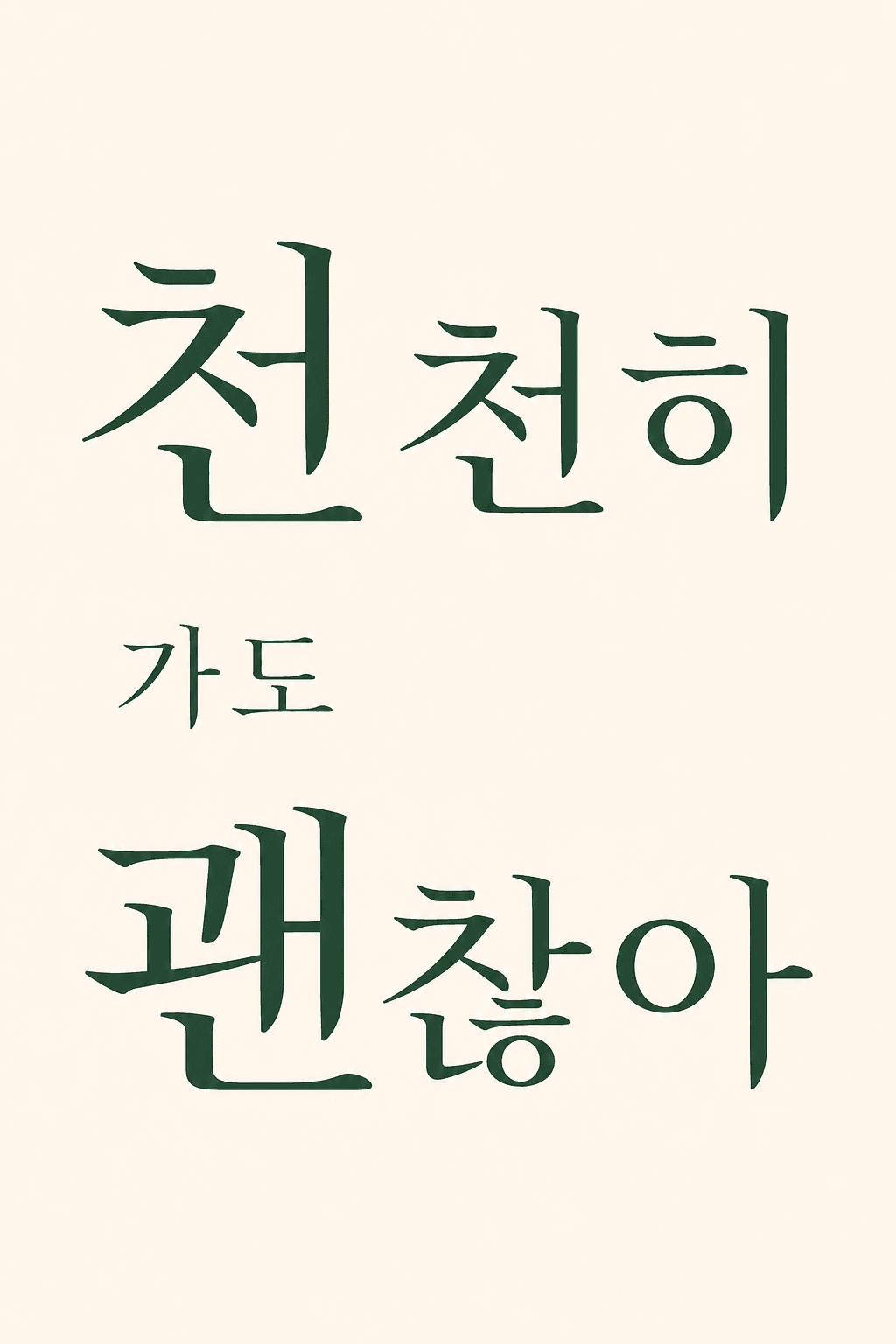
Output language: Write the result text and any text in the image in the language the user uses. This instruction must work identically in any language.
Fallback: If the product type is hard to read, compose the splash with the most plausible ingredients.
Self-contained: Finish within this reply. Do not direct to external sites or extra steps.

----
Input
- Product photo (required): Attach one product photo with a simple background (cutout or clean backdrop).