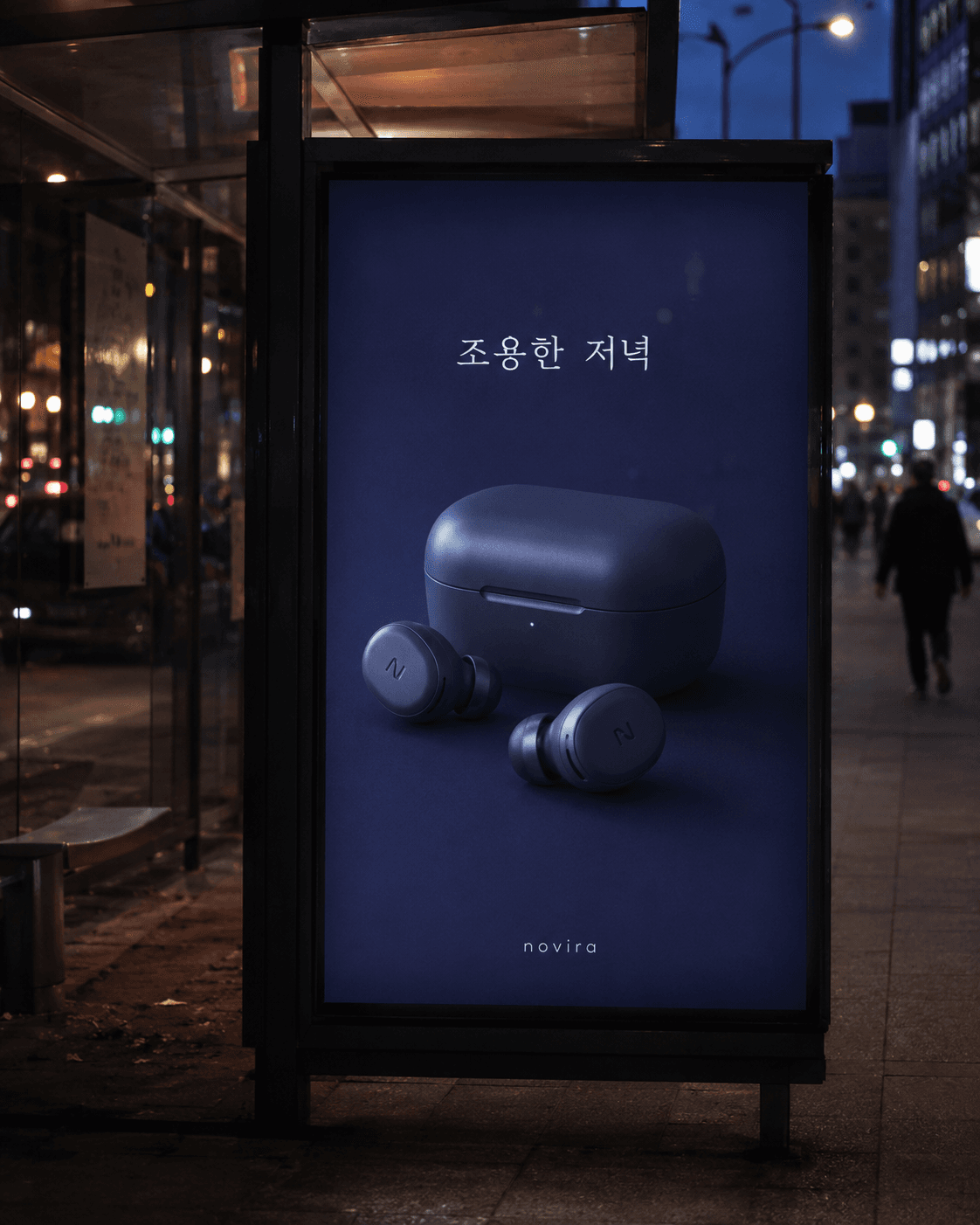
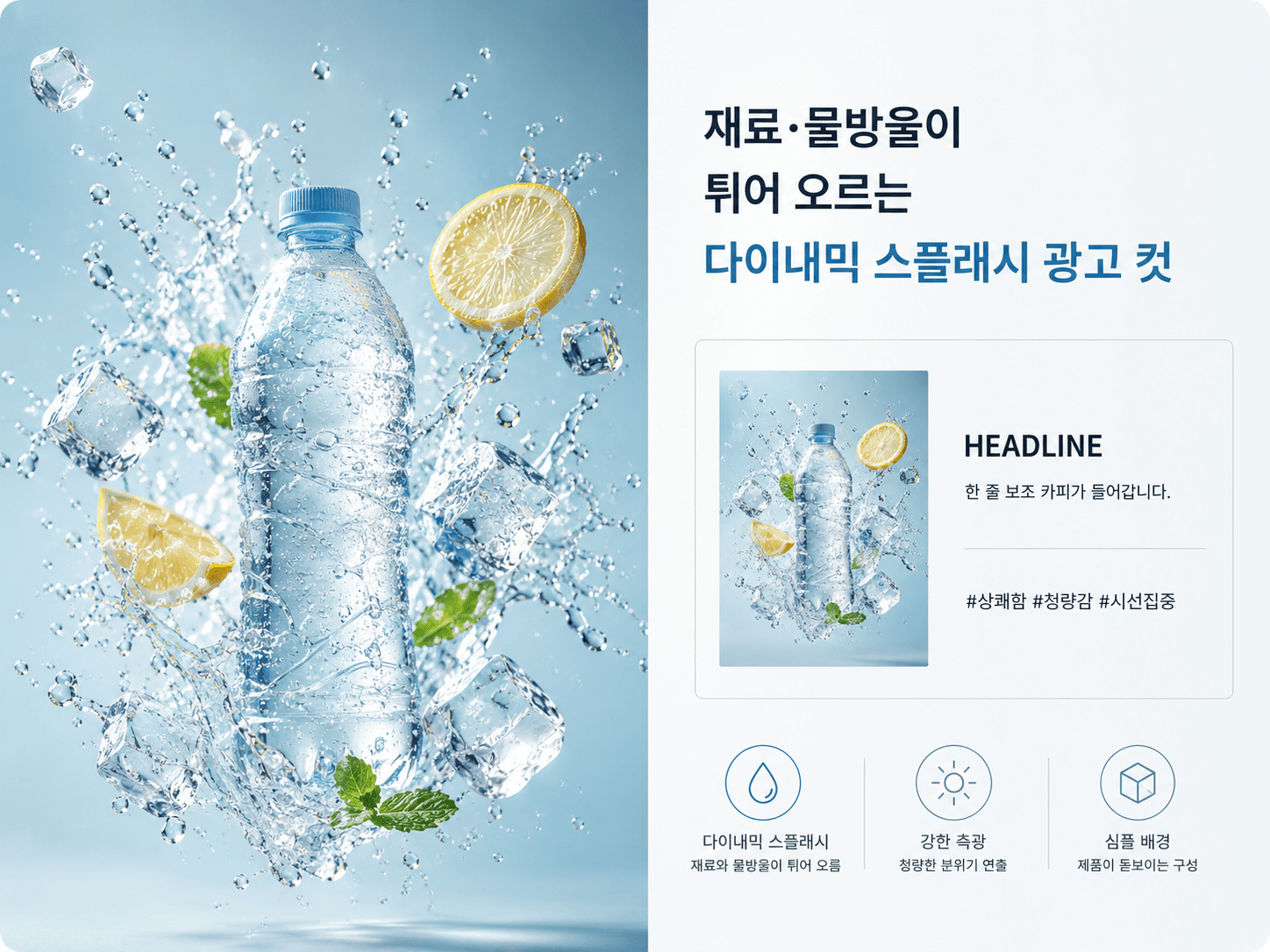
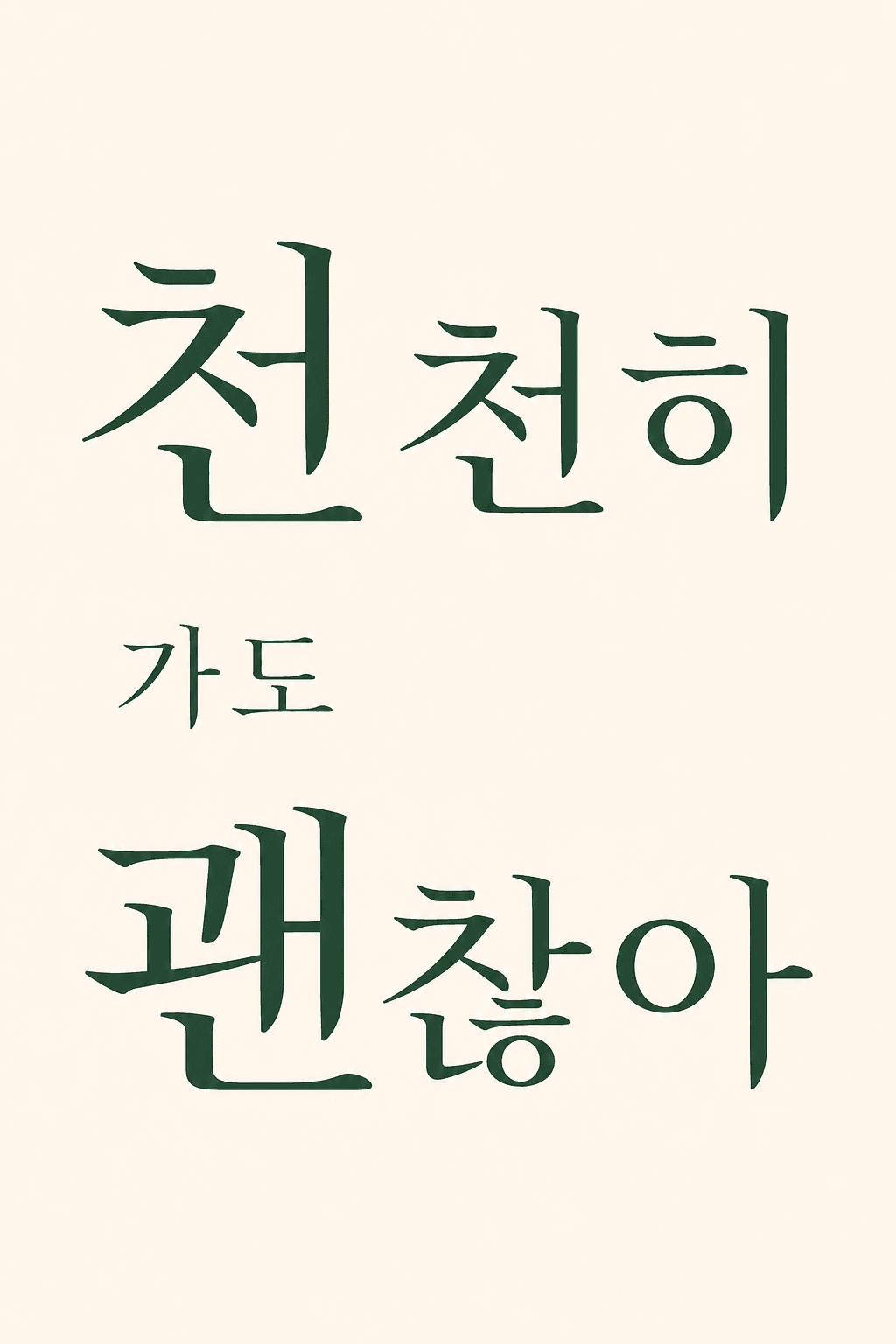
Make one on-site mockup shot of the product in the input below placed onto a real outdoor ad panel like a bus stop or billboard. If there is no input, invent a fitting virtual product and place it on the panel.

Work rules:
1. Pick one ad medium (backlit bus-shelter / large billboard / subway screen-door horizontal banner) and reflect that medium's ratio and install setting realistically.
2. Keep the panel's layout restrained — the product big in one shot + one short line of copy + a 1-2 color background. Use only a fictional brand wordmark; no real trademarks or logos.
3. Keep the copy and wordmark lettering crisp and correctly readable (no broken glyphs or typos), at outdoor-ad scale legible from a distance.
4. Bring out on-site realism — faint reflection on the glass/panel, a slightly blurred city backdrop, natural light or evening backlight. If you add passers-by, only as unidentifiable silhouettes.
5. Match perspective, shadow, and reflection consistently so it looks like a real photo, and avoid composite tells (over-gloss, mismatched shadows).

(When generating a virtual product) Pick a new product whose type, form, color, and material are clearly different from recently made ones.

Output: (1) one outdoor-ad mockup image + (2) a companion read — which medium and time of day you chose and how you brought out the realism, plus one line of copy for the panel.
Output language: Write the result text and any in-image text (copy) in the language the user uses. This instruction must work identically in any language.
Fallback: If the product category is hard to tell, assume the most ordinary everyday product and state that in one line at the top.
Self-contained: Finish within this reply. Do not direct to external sites or extra steps.

----
Input
- Photo/product (optional): one product to advertise, or a product name. If blank, the AI invents a fitting virtual product.
- {{medium/mood}} (optional): one line on the ad medium or mood you want (e.g., evening bus stop, downtown billboard). If blank, the AI decides.